Acer Monitor Review
Acer Monitors
A diverse range of displays spanning from budget-friendly office panels to ultra-premium, high-refresh-rate gaming ultrawides.
How This Score Is Calculated
- Sources analysed: 27 reviews
- Formula: Weighted sentiment and performance synthesis across product lines.
- Final score: 7.8/10
- Most praisedColor accuracy & Gaming speed
- Most criticisedStand ergonomics & Blooming
- Reviewer consensus levelModerate
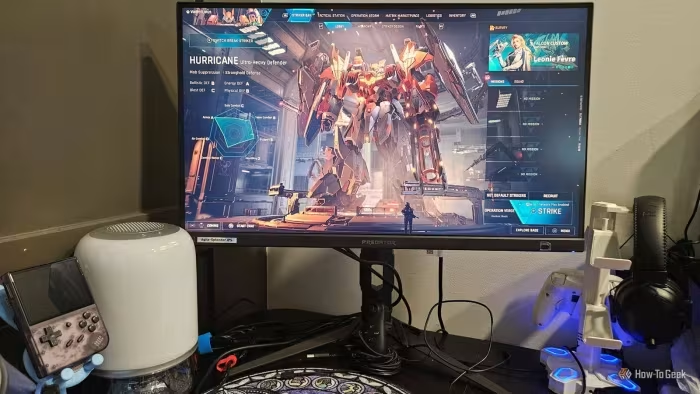
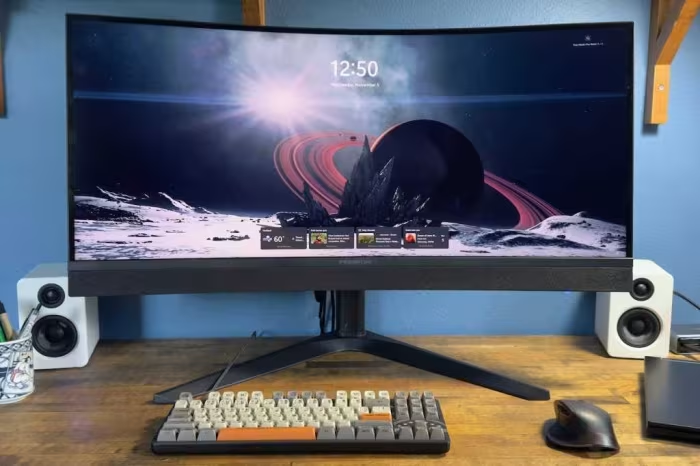
Acer's monitor lineup is defined by its extreme versatility, offering everything from high-end Mini-LED and OLED gaming powerhouses to budget-conscious IPS panels. While models like the Predator series consistently impress with class-leading motion clarity and color gamut, reviewers note that smaller, portable, or budget-tier offerings often suffer from ergonomic limitations and inconsistent connectivity. Overall, the brand provides excellent price-to-performance ratios, though users should carefully evaluate specific stand designs and dark-room performance before purchasing.
🔧 Key Specifications
- Panel Types: OLED, Mini-LED, IPS, VA
- Refresh Rates: 60Hz to 500Hz
- Resolution: 1080p to 6K
- Connectivity: USB-C (up to 90W PD), HDMI 2.1, DisplayPort
💲 Price Range
₹12,500 – ₹1,47,000
Prices vary heavily by model tier (Budget to Ultra-Premium).
📊 What Reviewers Say — Feature by Feature
👍 Key Strengths
- Exceptional color accuracy
- Industry-leading refresh rates
- Strong value propositions
- Versatile connectivity options
👎 Key Weaknesses
- Bulky, wobbly stand designs
- Blooming in Mini-LED models
- Inconsistent portable connectivity
- Fiddly HDR switching
💰 Value for Money Analysis
Acer is widely regarded as a value-leader. Even their premium Predator displays are often priced lower than direct competitors while offering comparable or superior performance.
⚡ Where Reviewers Disagreed
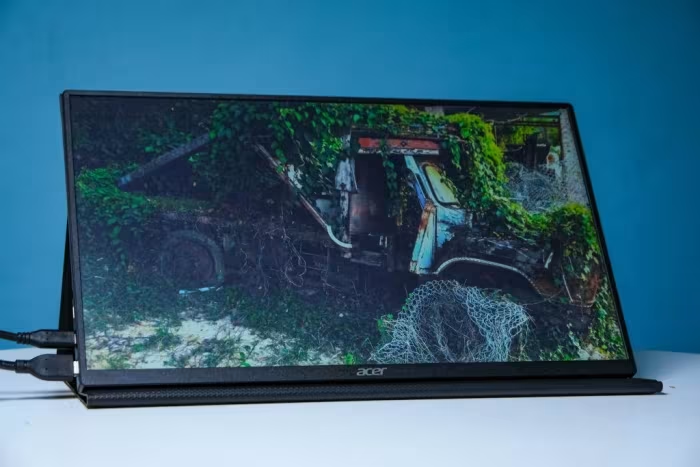
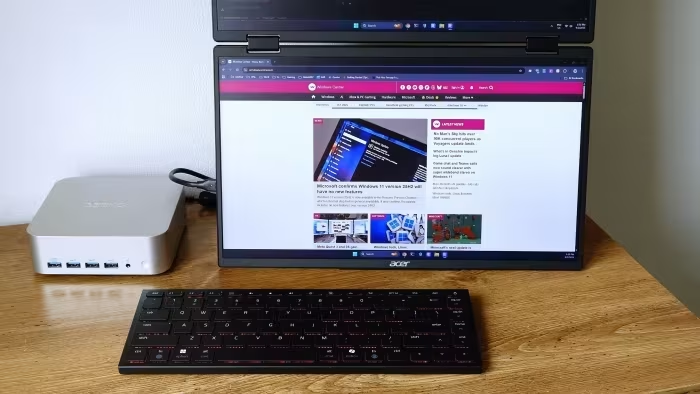
- Portable Monitor Utility: While some find the dual-screen portable options revolutionary for travel, others cite them as heavy, bulky, and a 'connectivity nightmare' that offsets the productivity gains.
🎯 Who This Product Is For
🛠️ Best Use Cases
- Creative Work High-end OLED models provide the color reproduction necessary for professional design. Great
- Desktop Gaming Predator displays excel in immersive, high-speed gaming scenarios. Great
🔀 Alternatives Mentioned by Reviewers
- Samsung Odyssey Neo G9: A direct rival to the Predator Z57, often seen as having better refresh rates (240Hz vs 120Hz) but at a higher price point.
- Dell S-Series: Frequently compared for office and productivity use, often noted as having more refined ergonomic stands than Acer's budget options.
- KTC H27T13: Recommended as a superior budget alternative to the Acer SB272UE due to a wider color gamut.
- Gigabyte M27Q: Often cited as a benchmark for 1440p gaming performance, outperforming the Nitro XV272U in contrast and brightness.
🛒 Buyer's Guide
✅ Buy This If…
- You prioritize gaming performance and high refresh rates.
- You are looking for the best price-to-performance ratio in the display market.
- You require professional-grade color accuracy for creative work.
❌ Skip This If…
- You have limited desk space (many stands are excessively large).
- You need perfect dark-room performance (Mini-LED blooming issues).
- You are looking for a 'plug-and-play' portable monitor without connectivity headaches.
Acer monitors represent one of the most reliable choices for gamers and professionals seeking high performance without the premium tax of some competitors. While their budget and portable lines require careful checking for ergonomic and connectivity quirks, their high-end Predator displays are undisputed performance leaders. For most users, the combination of accurate color and aggressive pricing makes an Acer monitor a smart, value-driven investment.