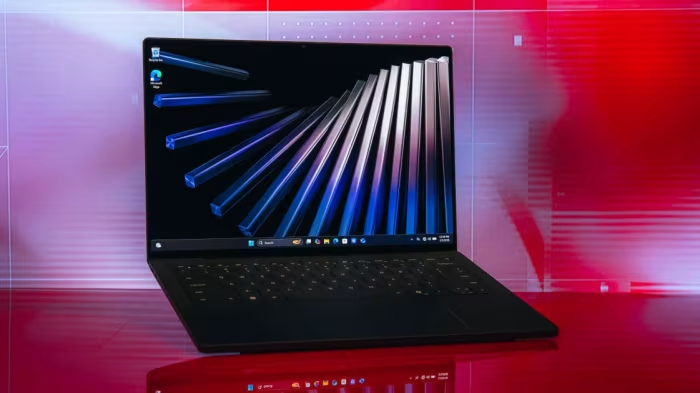
Dell XPS 14 Review
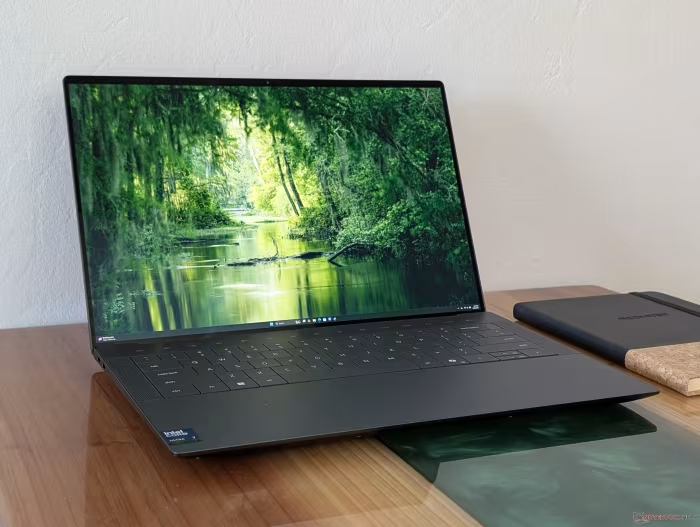
Dell XPS 14 (2026)
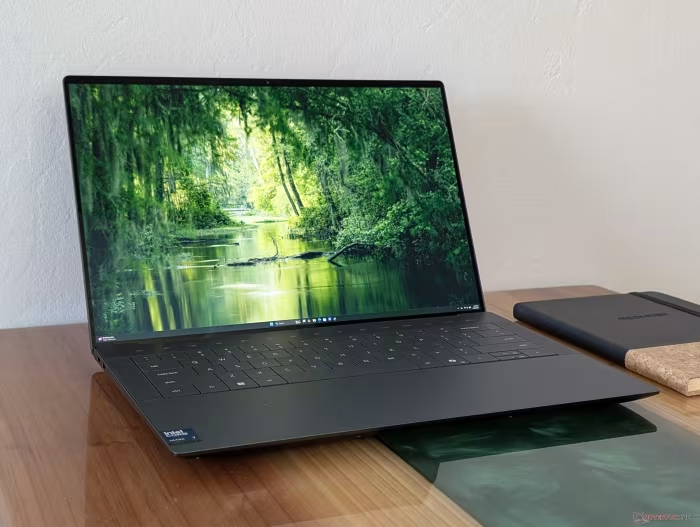
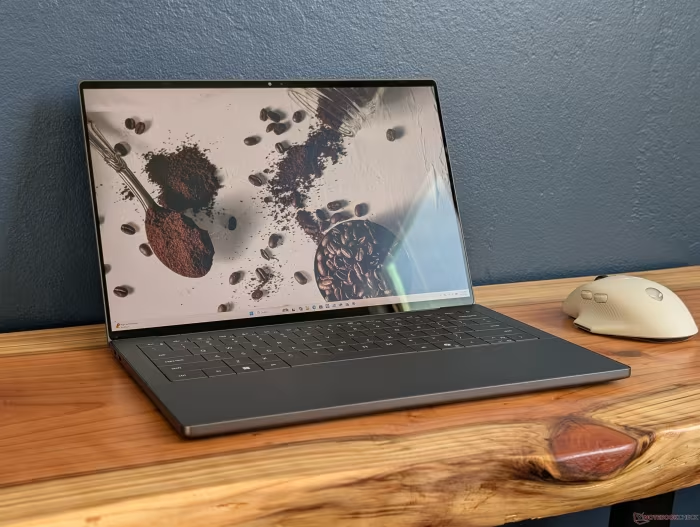
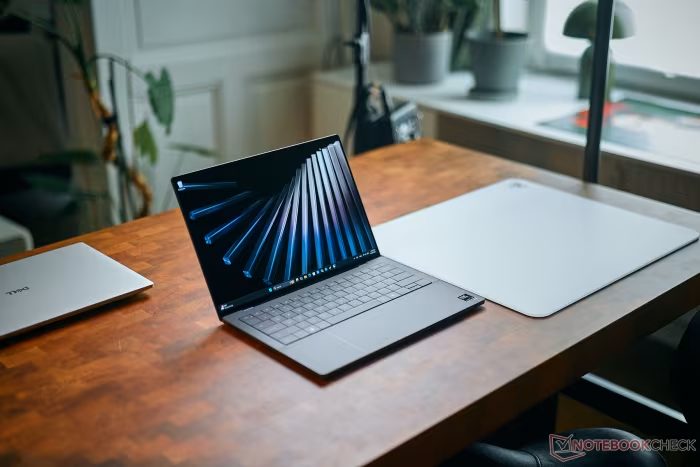
The Dell XPS 14 (2026) is a premium 14-inch Windows ultraportable laptop manufactured by Dell.
How This Score Is Calculated
- Sources analysed: 60 reviews
- Raw weighted average: 8.6
- Review period: April 2026 – September 2026
- Most reviewed featureDesign (52/60)
- Most praisedBuild Quality
- Most criticisedPort selection
- Reviewer consensus levelHigh
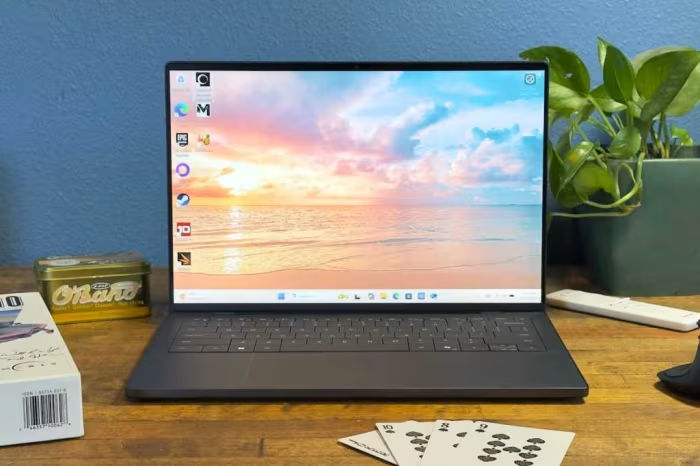
The 2026 XPS 14 represents a significant strategic pivot for Dell, effectively correcting the controversial design choices of its predecessor. By reintroducing physical function keys and refining the chassis, the company has repositioned this laptop as a direct, high-end Windows counterpart to the MacBook Pro, focusing on aesthetics and reliable professional utility.
In a market currently crowded with experimental Arm-based designs and budget-focused AI PCs, the XPS 14 stands out by doubling down on traditional premium ultraportable values: CNC-machined aluminum, high-performance Intel Panther Lake silicon, and industry-leading display technology. It is positioned squarely at the top of the consumer segment, targeting users who prioritize build integrity and display quality over modularity or legacy connectivity.
🔧 Key Specifications
- Processor: Intel Core Ultra Series 3 (Panther Lake)
- Display: 14-inch Tandem OLED (up to 2.8K resolution)
- Refresh Rate: 120Hz
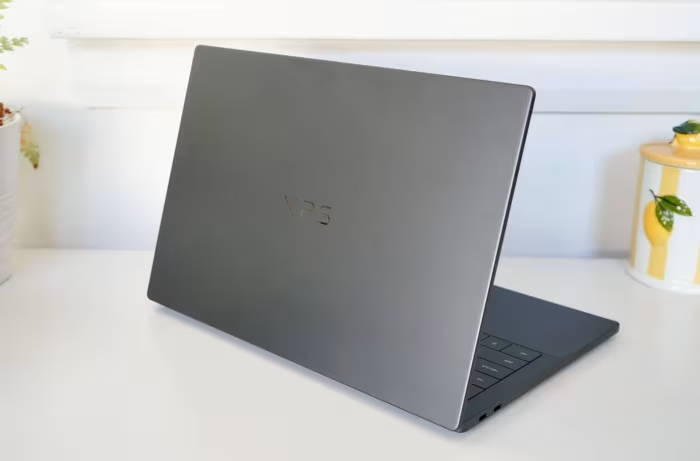
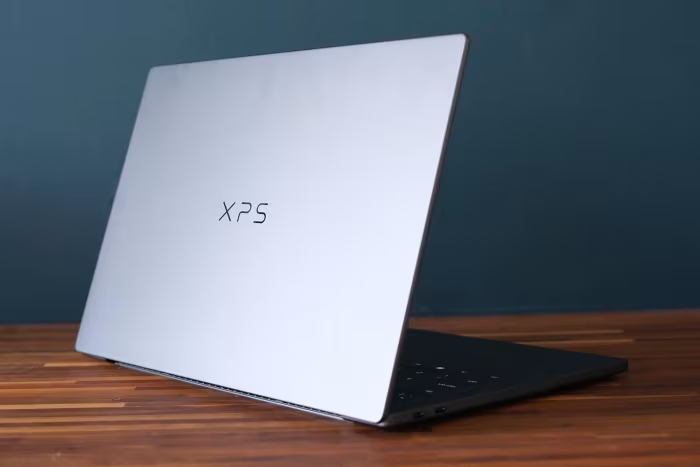
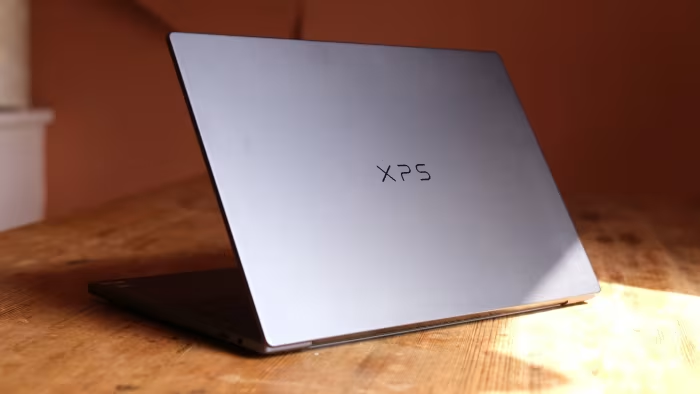
- Build: CNC-machined aluminum
- Battery: High-efficiency architecture (20+ hours)
- Connectivity: Thunderbolt 4 (USB-C only)
- Camera: 8MP front-facing
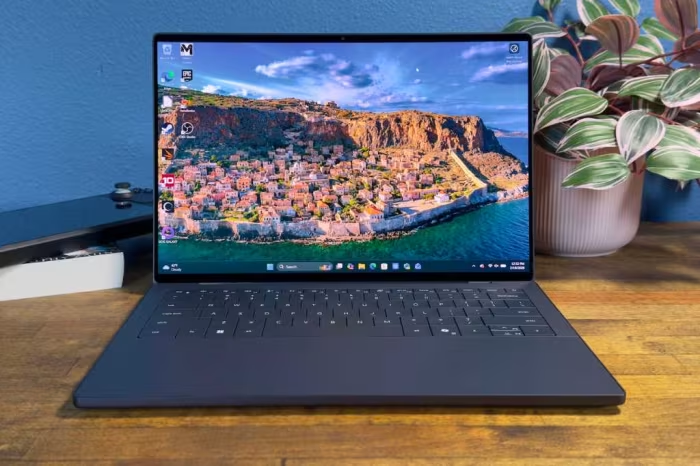
- Input: Physical function keys, haptic glass trackpad
💲 Price Range
₹1,35,000 – ₹3,05,590
📊 What Reviewers Say — Feature by Feature
Key features evaluated across 60 sources.
👍 Key Strengths
- Premium CNC aluminum chassis
- Stunning Tandem OLED 120Hz display
- Return of physical function keys
- Elite performance efficiency
- Excellent haptic trackpad
👎 Key Weaknesses
- Limited USB-C only port selection
- Shallow, mushy keyboard travel
- High premium price point
- Fingerprint-prone finish
💰 Value for Money Analysis
While expensive, reviewers generally categorize the XPS 14 as a premium-tier investment. Its value is justified for professionals who prioritize build quality and display performance, though the base configuration is frequently criticized for being overpriced relative to its specs.
42 of 60 sources commented on price or value.
⚡ Where Reviewers Disagreed
The following areas saw meaningful disagreement across sources.
- Keyboard Feel: 25 sources praised the input experience while 13 criticised it as mushy. Disagreement stems from individual preference for shallow, clicky typing vs. tactile mechanical feedback. No consistent explanation for the split was evident across sources.
🔎 Reading Between the Reviews
A clear pattern emerges where reviewers who prioritize productivity and legacy hardware (HDMI/SD slots) are consistently more critical of the XPS 14's connectivity, whereas those evaluating it as a direct consumer-focused alternative to the MacBook Pro view its design as a triumphant, minimalist success.
🎯 Who This Product Is For
Reviewer recommendations for different target audiences and use cases.
🔀 Alternatives Mentioned by Reviewers
- Apple MacBook Pro 14-inch — The primary benchmark for the XPS 14. Reviewers note the MacBook Pro offers better single-core performance and superior keyboard tactility, but the XPS 14 is now considered the most viable Windows alternative for those who prefer the Microsoft ecosystem.
- HP OmniBook Ultra 14 — A strong competitor with a similar OLED display and premium build, often cited as a more versatile option for those who find the XPS 14 too restrictive in its port selection.
- Lenovo ThinkPad X1 Carbon Gen 14 — Recommended for users who prioritize business-grade reliability, modularity, and a better keyboard experience over the consumer-focused aesthetic of the Dell.
- Asus Zenbook S14 — A lighter, more portable option that is often praised for its Ceraluminum chassis, though it sacrifices some GPU performance compared to the XPS 14.
Alternatives sourced exclusively from reviewer mentions.
🛒 Buyer's Guide
✅ Buy This If…
- You want a Windows laptop that rivals the MacBook Pro in design and build quality.
- You prioritize display quality (OLED) and aesthetic minimalism above all else.
- You are a mobile professional who values a refined, high-performance daily workstation.
❌ Skip This If…
- You rely heavily on legacy ports like HDMI or SD cards for your daily workflow.
- You require an easily upgradable machine (RAM/Storage are soldered).
- You are a heavy typist who demands deep, clicky mechanical key travel.
⚠️ Things to Check Before Buying
- The graphite finish is a major fingerprint magnet—consider a skin or regular cleaning.
- Ensure your workflow can handle a USB-C only environment, or budget for a high-quality dongle.
The Dell XPS 14 (2026) is a triumphant return to form, successfully reclaiming its position as the premier Windows ultraportable. By correcting the ergonomic missteps of previous generations, Dell has created a machine that is as functional as it is stunning. While the port limitations and shallow keyboard may deter some power users, its display brilliance and premium portability make it the clear choice for the modern professional. If you want the best design-led experience on Windows, this is it.
Top Alternative: Apple MacBook Pro 14-inch — Choose this if you prefer class-leading single-core performance and a more tactile typing experience.