M5 MacBook Air Review

M5 MacBook Air
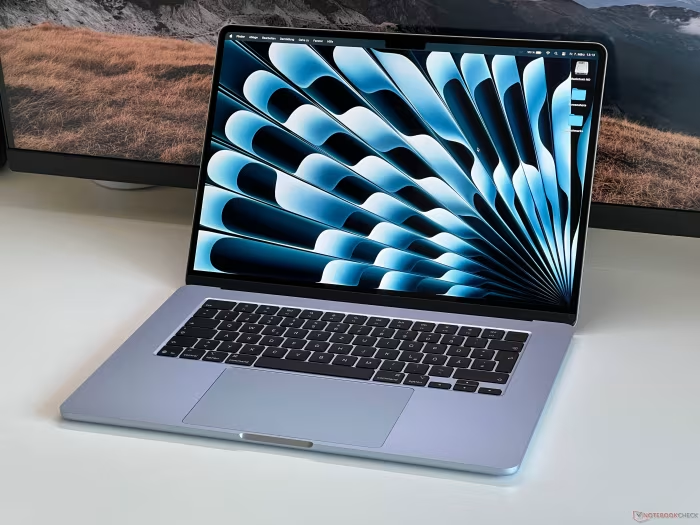
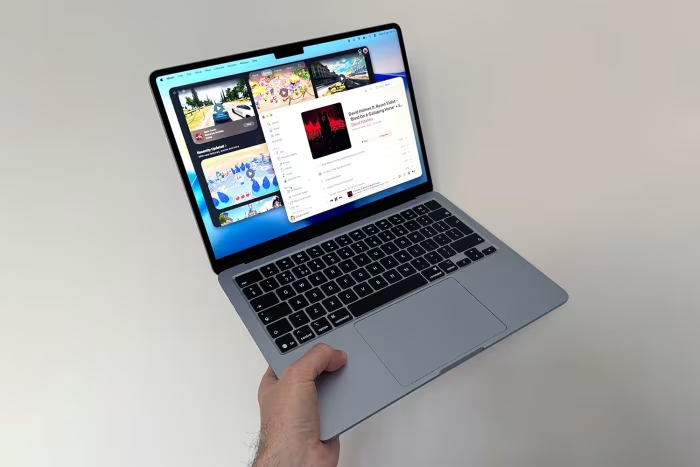
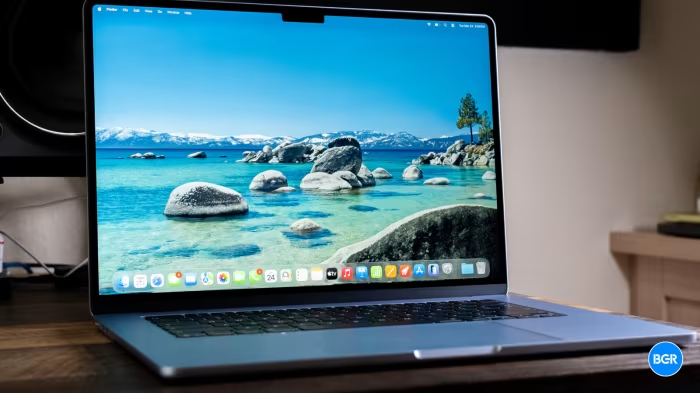
The M5 MacBook Air is an ultra-portable laptop designed and manufactured by Apple, featuring the M5 silicon chip.
How This Score Is Calculated
- Sources analysed: 60 reviews
- Explicit scores: 42 sources (weighted 1.5×)
- Sentiment-only: 18 sources (weighted 1.0×)
- Split: 49 Positive · 9 Mixed · 2 Negative
- Raw weighted average: 8.7
- Formula: Σ(score × weight) ÷ Σ(weight)
- Consensus bonus +0.3: 82% sources agreed
- Review period: March 2026 – September 2026
- Value sources: 38 of 60 mentioned price or value
Algorithmically calculated from source data. No manual adjustments.
- Most reviewed featurePerformance (58/60)
- Most praisedBattery life
- Most criticised60Hz display
- Reviewer consensus levelHigh
- Avg explicit reviewer score8.7/10
- Value for moneyGood Value (7.2/10)
The M5 MacBook Air occupies a central position in Apple’s 2026 lineup, serving as the refined, high-performance middle ground between the budget-focused MacBook Neo and the professional-grade MacBook Pro series. It reflects a strategy of iterative polish, focusing on internal silicon efficiency and increased base storage rather than radical chassis redesigns.
As the ultraportable market faces renewed pressure from high-efficiency Windows-on-ARM laptops, the M5 Air maintains its status as the category benchmark for reliability and ecosystem integration. Reviewers note that while the hardware design is now four years old, its fanless operation and silicon-driven performance keep it relevant against newer, feature-heavy Windows rivals.
🔧 Key Specifications
Specifications sourced from reviewer mentions. Verify with manufacturer for complete details.
- Processor: Apple M5 Chip
- RAM: 16GB (Standard)
- Storage: 512GB (Standard)
- Display: 13.6-inch Liquid Retina, 60Hz
- Battery: 12–15 hours real-world
- Charging: MagSafe / Thunderbolt
- Main Camera: 12MP
- OS: macOS
- 5G: No
- Wi-Fi: Wi-Fi 7
- Bluetooth: Bluetooth 6
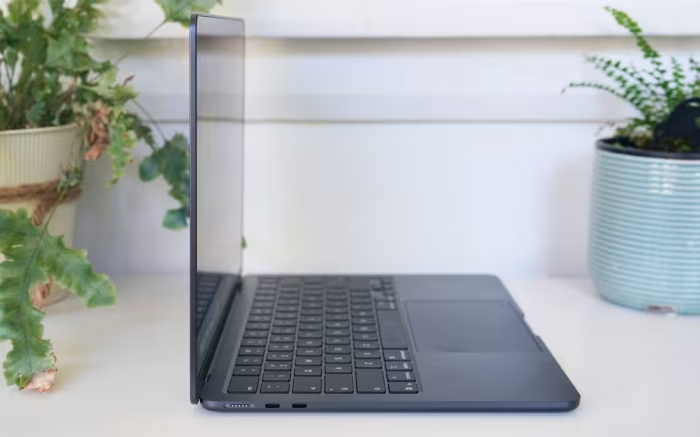
- USB: 2x Thunderbolt 4
- IP Rating: —
- Dimensions: —
- Weight: —
- Build Materials: Aluminum
💲 Price Range
₹92,000 – ₹1,25,000
Prices sourced from reviews. Check current retailer pricing.
📊 What Reviewers Say — Feature by Feature
14 features evaluated across 60 sources.
👍 Key Strengths
- M5 silicon performance
- All-day battery life
- Standard 512GB storage
- Premium aluminum build
- Fanless silent operation
👎 Key Weaknesses
- Dated 60Hz display
- Limited port selection
- Four-year-old design
- Price increase
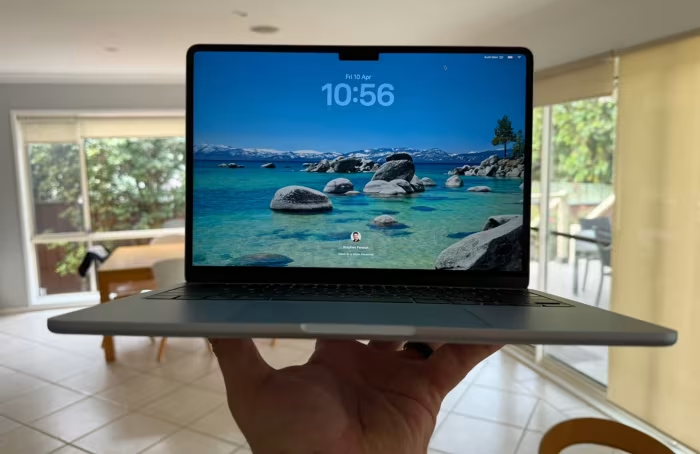
- Display notch
💰 Value for Money Analysis
Reviewers generally consider the M5 MacBook Air to be a good value, primarily due to the doubling of base storage to 512GB, which increases its longevity. However, the $100 price hike compared to previous models has tempered enthusiasm, with some noting it no longer serves as the definitive budget-friendly Mac option.
38 of 60 sources commented on price or value.
⚡ Where Reviewers Disagreed
The following areas saw meaningful disagreement across sources.
- Value Positioning: 25 sources praised the value due to storage upgrades, while 15 sources argued the price hike makes it less competitive. The disagreement stems from whether one prioritizes the included 512GB storage or the loss of the entry-level $999 price point. No consistent explanation for the split was evident across sources.
🎯 Who This Product Is For
Reviewer recommendations for different target audiences and use cases.
🛠️ Best Use Cases
- Everyday ProductivityThe fanless, silent design and class-leading keyboard make it perfect for office, writing, and administrative work.Great
- Light Creative WorkHandles photo editing and light video projects with ease, though performance may dip during extended renders.Good
- Travel/CommutingIts slim profile and all-day battery life make it one of the most portable machines for mobile users.Great
🔀 Alternatives Mentioned by Reviewers
- MacBook Neo — The primary budget alternative. It is significantly cheaper but sacrifices premium features like Thunderbolt and keyboard backlighting. Best for light users who don't need the M5's power.
- MacBook Pro 14 (M5) — The professional step-up. Features active cooling, more ports, and a superior ProMotion display. Choose this if your workflow involves heavy, sustained video or 3D rendering.
- Lenovo Yoga Slim 7x — The strongest Windows-on-ARM rival. Offers a beautiful OLED display and competitive performance. Best for those who prefer Windows but want MacBook-like efficiency.
- Samsung Galaxy Book6 Pro — A high-end Windows alternative with a stunning AMOLED display and deep ecosystem integration. Recommended for users already embedded in the Samsung ecosystem.
- Asus Zenbook A14 — An ultra-portable Windows alternative with a focus on portability and OLED technology. It offers strong performance but is hampered by a 60Hz screen and soldered memory.
Alternatives sourced exclusively from reviewer mentions.
🛒 Buyer's Guide
✅ Buy This If…
- You are an existing Mac user looking for a reliable, high-performance upgrade for daily tasks.
- You prioritize portability and need a fanless, silent machine for travel.
- You want a machine that will remain future-proof for several years due to the 512GB base storage.
❌ Skip This If…
- You are a professional video editor or 3D artist who requires active cooling.
- You are on a strict budget and can satisfy your needs with the cheaper MacBook Neo.
- You demand a high-refresh-rate or OLED display, which this model lacks.
⚠️ Things to Check Before Buying
- Verify if your professional software requires active cooling for sustained performance.
- Consider if you need a dongle for your specific port requirements, as the Air only has two Thunderbolt 4 ports.
- Check local retail pricing, as the $100 price hike makes it a more significant investment than previous Air models.
The M5 MacBook Air remains the gold standard for the average user, offering an unmatched balance of performance, portability, and battery efficiency. While it is no longer the entry-level budget option, the inclusion of 512GB of base storage provides excellent long-term value. Despite a dated 60Hz display and a persistent design notch, its internal improvements make it a highly recommended upgrade for anyone moving up from older Intel or M1-series machines. If you need more power for intensive tasks, look to the Pro lineup, but for 90% of users, this is the definitive laptop.
Top Alternative: MacBook Neo — Choose this instead if you are a light user who wants to save money and doesn't require Thunderbolt connectivity.