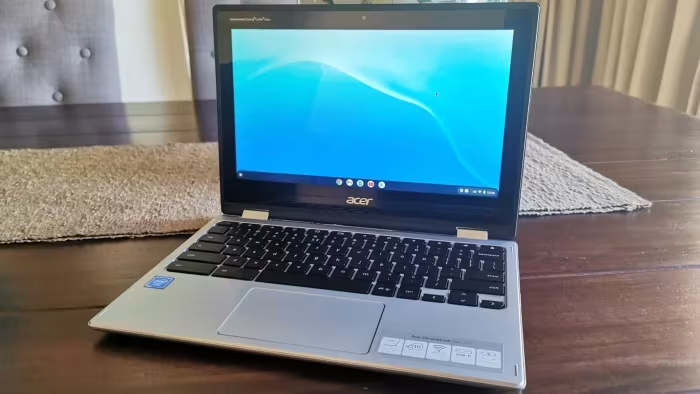
Acer Chromebook 311 Review
Acer Chromebook 311
A rugged, budget-friendly, and portable Chromebook series designed primarily for students and light everyday computing tasks.
How This Score Is Calculated
- Sources analysed: 22 reviews
- Split: 14 Positive · 5 Mixed · 3 Negative
- Raw weighted average: 6.8
- Final score: 6.8/10
- Most reviewed featureBattery Life (20/22)
- Most praisedDurability
- Most criticisedDisplay Resolution
- Reviewer consensus levelModerate
- Value for moneyGood Value (7.2/10)
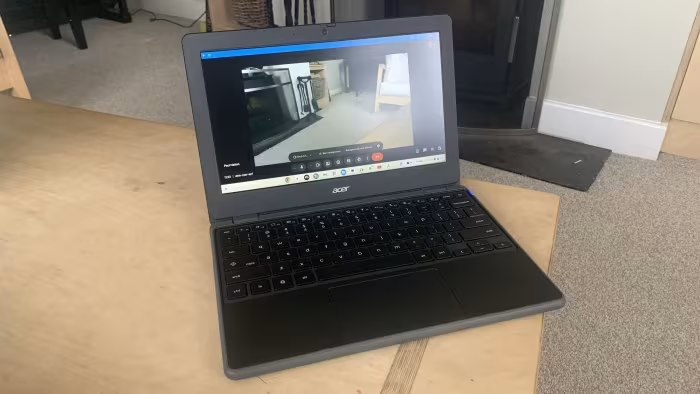
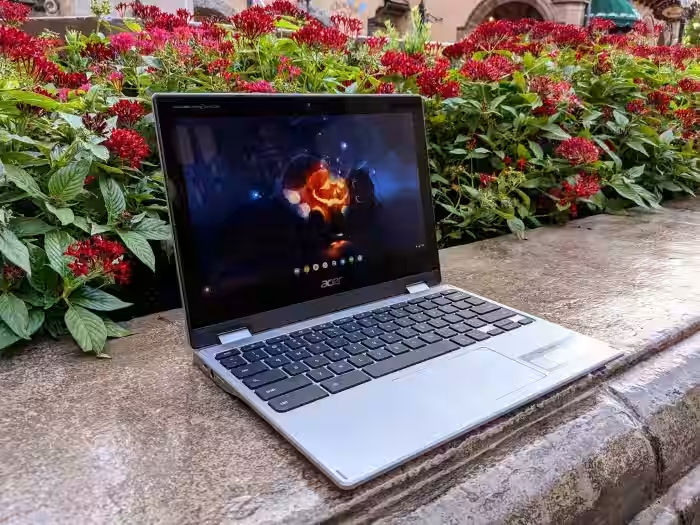
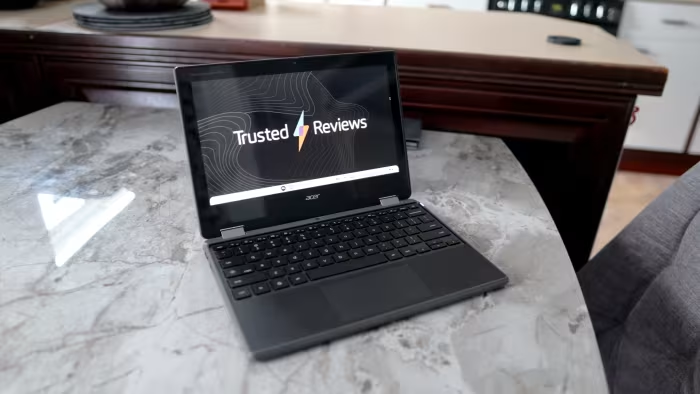
The Acer Chromebook 311 is widely regarded as a reliable, “bombproof” workhorse ideal for students and basic web-based tasks. Reviewers consistently praise its exceptional battery life, sturdy build quality, and comfortable keyboard, which make it a standout in the entry-level market. However, the experience is frequently hindered by a dated, low-resolution display, thick bezels, and modest performance that limits it to light productivity. It is best viewed as a durable, distraction-free companion rather than a primary machine for power users.
🔧 Key Specifications
- Processor: MediaTek / Celeron (varies by model)
- Display: 11.6-inch, typically 1366x768 resolution
- Battery: All-day endurance
- Build: MIL-STD 810H ruggedized chassis
- OS: ChromeOS
💲 Price Range
₹17,000 – ₹43,000
Prices vary significantly by specific sub-model (Spin vs. Standard) and region.
📊 What Reviewers Say — Feature by Feature
👍 Key Strengths
- Rugged, durable design
- Exceptional all-day battery life
- Comfortable, responsive keyboard
- Highly portable compact size
- Good value for students
👎 Key Weaknesses
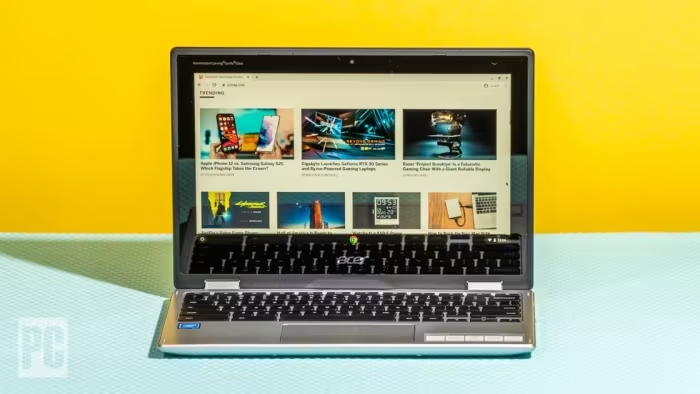
- Low-resolution, dim display
- Thick, unattractive screen bezels
- Mediocre trackpad performance
- Limited CPU power
- Small, limited eMMC storage
💰 Value for Money Analysis
Reviewers generally agree that for the price, the build quality and battery life offer solid value for students. However, some models priced toward the higher end (e.g., ₹40,000+) are labelled as overpriced given the dated display and performance limitations.
⚡ Where Reviewers Disagreed
- Trackpad Quality: 5 sources praised the trackpad as responsive, while 6 sources described it as small, imprecise, or frustrating to use.
🎯 Who This Product Is For
🔀 Alternatives Mentioned by Reviewers
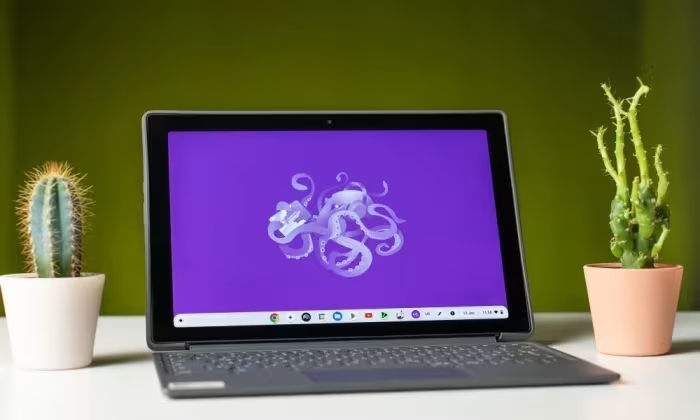
- Lenovo Chromebook Duet: Often cited as a more versatile, modern tablet-style alternative that is sometimes faster and cheaper, though the Acer offers better keyboard integration.
- Asus Chromebook Flip C433: Recommended for those who want a significantly better display, though it comes at a higher price point.
- Lenovo Flex 5: The preferred choice for "power users" who need more processing power and a better overall experience than the entry-level 311.
- iPad 11 / Samsung Galaxy Tab S10 Lite: Suggested as superior alternatives for users prioritizing display quality and performance over the ruggedized Chromebook form factor.
🛒 Buyer's Guide
✅ Buy This If…
- You need a durable laptop for a child or student.
- Battery life is your absolute top priority.
- You primarily perform basic web browsing and writing tasks.
❌ Skip This If…
- You are a professional creative requiring color accuracy.
- You need a high-resolution screen for media consumption.
- You plan on multitasking with many heavy applications.
The Acer Chromebook 311 is a reliable, budget-friendly device that succeeds as a durable tool for students and basic light tasks. While it suffers from a dim, low-resolution screen and dated bezels, its battery life and solid build quality make it a practical value proposition. If you prioritize longevity and portability over display aesthetics and raw power, it remains a smart purchase. For users needing more performance, consider the Lenovo Flex 5 instead.