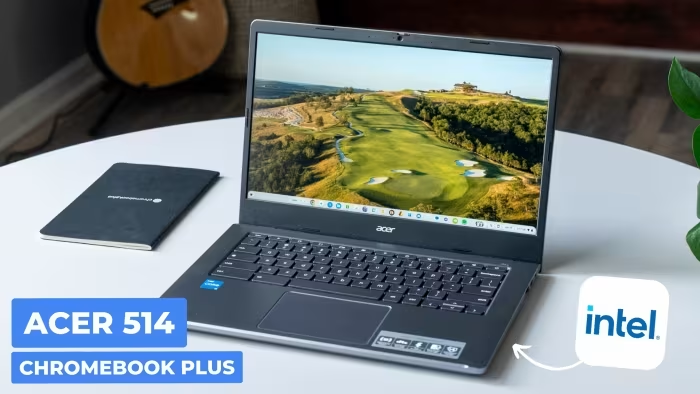
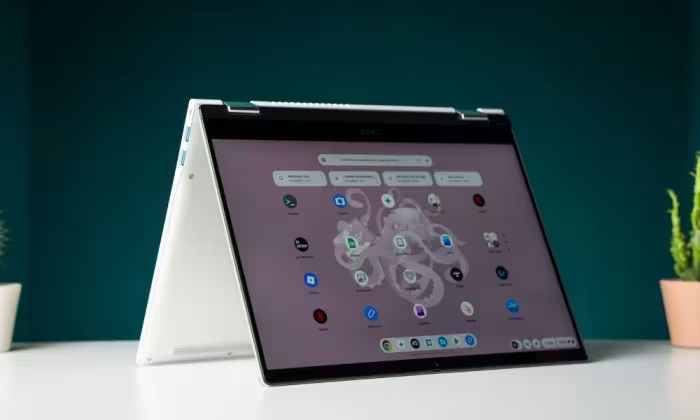
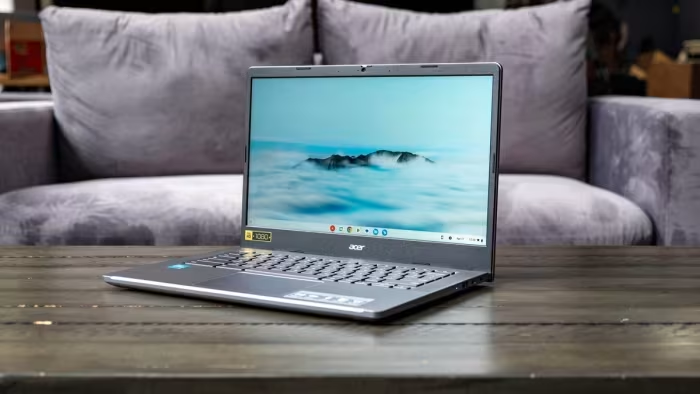
Acer Chromebook Plus 514 Review
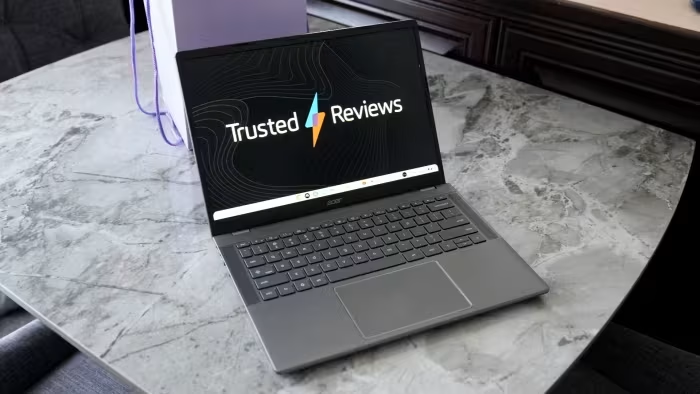
Acer Chromebook Plus 514
A versatile, budget-friendly Chromebook Plus laptop designed for students and home office users seeking reliable everyday productivity.
How This Score Is Calculated
- Sources analysed: 25 reviews
- Explicit scores: 22 sources (weighted 1.5×)
- Sentiment-only: 3 sources (weighted 1.0×)
- Split: 17 Positive · 6 Mixed · 2 Negative
- Raw weighted average: 7.2
- Formula: Σ(score × weight) ÷ Σ(weight)
- Value sources: 25 of 25 mentioned price or value
- Final score: 7.2/10 (clamped, rounded to 1 decimal)
Algorithmically calculated from source data. No manual adjustments.
- Most reviewed featureBattery Life (22/25)
- Most praisedValue for Money
- Most criticisedDisplay Brightness
- Reviewer consensus levelHigh
- Value for moneyExcellent Value (8.4/10)
The Acer Chromebook Plus 514 is widely regarded as a high-value workhorse that excels in portability, battery endurance, and consistent performance for daily tasks. While it makes concessions in display brightness and build materials—often relying on plastic chassis—it remains a top recommendation for budget-conscious users. It succeeds by balancing essential 'Chromebook Plus' features, like AI-enhanced software, with a price point that undercuts most premium competitors.
🔧 Key Specifications
Specifications sourced from reviewer mentions. Verify with manufacturer for complete details.
- Processor: Intel Core i3-N305 / AMD Ryzen 3 7320C / MediaTek Kompanio Ultra 910
- RAM: 8GB
- Storage: 128GB to 512GB SSD
- Display: 14-inch, 1080p, touch-enabled
- Battery: All-day endurance
- Main Camera: 1080p with privacy shutter
- Wi-Fi: Yes
- USB: USB-C 5Gbps
💲 Price Range
₹20,800 – ₹67,000
Prices sourced from reviews. Check current retailer pricing.
📊 What Reviewers Say — Feature by Feature
12 features evaluated across 25 sources.
👍 Key Strengths
- Excellent price-to-performance ratio
- Reliable all-day battery life
- Sturdy, durable build quality
- Capable 1080p webcam
- Smooth, efficient ChromeOS performance
👎 Key Weaknesses
- Dim display struggles in bright light
- Missing keyboard backlighting on many models
- Tinny, mediocre built-in speakers
- All-plastic construction feels budget-oriented
- Lack of HDMI port on some versions
💰 Value for Money Analysis
Reviewers almost universally agree that the Acer Chromebook Plus 514 provides exceptional value. It is frequently cited as the best option for those who want Chromebook Plus software features without the premium price tag of high-end models.
25 of 25 sources commented on price or value.
⚡ Where Reviewers Disagreed
The following areas saw meaningful disagreement across sources.
- Build Quality: 10 sources praised the "sturdy" or "durable" build, while 8 sources criticised the "all-plastic" or "budget" feel. This stems from a divide between those valuing practical durability vs. those expecting premium metallic aesthetics.
🎯 Who This Product Is For
Reviewer recommendations for different target audiences and use cases.
🛠️ Best Use Cases
- Homework & SchoolReliable performance and long battery life ensure it lasts through a full day of classes.Great
- Home Office ProductivityExcellent keyboard and webcam make it perfect for emails, Zoom calls, and document management.Good
🔀 Alternatives Mentioned by Reviewers
Maximise this list. Include EVERY single competitor, rival, or alternative product mentioned in any of the source reviews.
- Asus Chromebook Plus CX34 — Frequently cited as a superior mainstream alternative. Reviewers suggest it offers better overall refinement and performance for a modest price increase.
- Lenovo IdeaPad Flex 5i — A direct competitor in the 2-in-1 space; often recommended if you can find it on sale, as it frequently undercuts the Acer in price.
- Acer Chromebook Spin 714 — The "step-up" choice from the same manufacturer. It features a premium metallic chassis and better connectivity, making it the preferred choice for those willing to pay more.
- Samsung Galaxy Chromebook Plus — A premium, high-end alternative that offers a superior OLED screen and more multi-core power, though at a much higher price point.
- HP Chromebook Plus — Cited as a direct rival that matches the Acer in many performance metrics but often loses out on display resolution.
- Lenovo Chromebook Plus 14 — Praised for its OLED screen and superior audio, making it the better choice for media consumption compared to the Acer.
Alternatives sourced exclusively from reviewer mentions.
🛒 Buyer's Guide
✅ Buy This If…
- You need a reliable, budget-friendly device for school or light office work.
- Battery life and portability are your top priorities.
- You want the benefits of the Chromebook Plus ecosystem at the lowest possible price.
❌ Skip This If…
- You work outdoors frequently, as the screen is too dim.
- You do professional creative work that requires high color accuracy.
- You frequently work in low-light conditions and require a backlit keyboard.
⚠️ Things to Check Before Buying
- Verify whether your specific model includes a backlit keyboard, as it varies by region and configuration.
- Check the port selection, as some models omit an HDMI port.
- Consider current sales for the Lenovo Flex 5i, which may offer better value depending on the market.
📈 Sentiment Trends Over Time
Reviews span 2024–2025. The following changes were detected:
- Software — The integration of AI features has kept the device feeling relevant and "up-to-date" despite the hardware aging.
The Acer Chromebook Plus 514 is a triumph of utility over luxury. While it won't win awards for its display brightness or speaker quality, it provides a rock-solid, high-performance experience that makes it an easy recommendation for students and office workers. If you can live without a backlit keyboard and a high-nit screen, you will be hard-pressed to find a more cost-effective device. For a more premium experience, look toward the Asus Chromebook Plus CX34.
Top Alternative: Asus Chromebook Plus CX34 — A more refined, mainstream alternative if you can stretch your budget by $100.