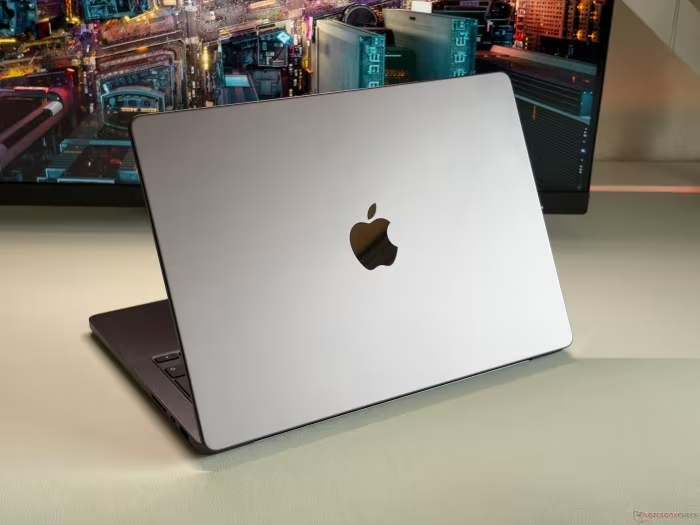
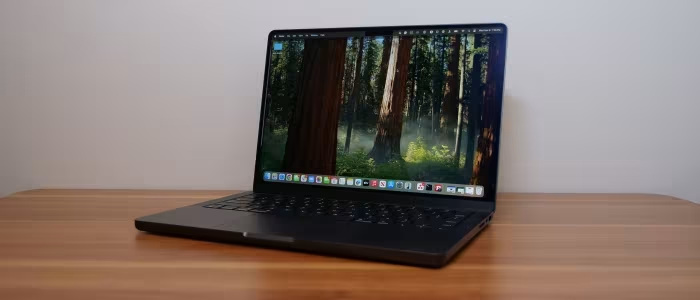
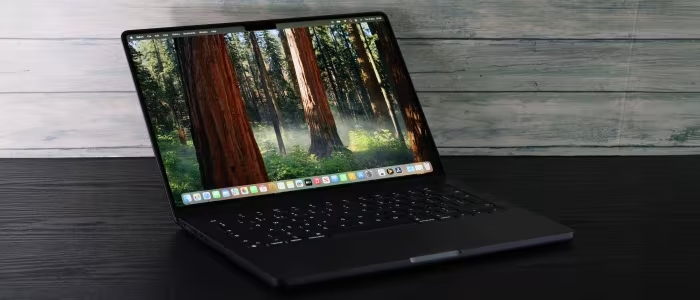
Apple MacBook Pro 14 Review

Apple MacBook Pro 14
A premium, high-performance compact workstation by Apple, designed for creative professionals requiring portability and sustained power.
How This Score Is Calculated
- Sources analysed: 39 reviews
- Explicit scores: 35 sources (weighted 1.5×)
- Sentiment-only: 4 sources (weighted 1.0×)
- Split: 33 Positive · 5 Mixed · 1 Negative
- Raw weighted average: 8.9
- Prestige bonus +0.2: Editor's Choice from 4+ outlets
- Final score: 8.9/10
- Most reviewed featurePerformance (39/39)
- Most praisedBattery Life
- Most criticisedUpgrade Costs
- Reviewer consensus levelHigh
- Avg explicit reviewer score8.8/10
- Value for moneyGood Value (7.2/10)
The MacBook Pro 14 remains the gold standard for portable professional computing, pairing industry-leading Apple Silicon performance with a stunning Liquid Retina XDR display. While it retains a familiar chassis design that some find dated, its exceptional battery life, versatile port selection, and consistent thermal management make it a premier choice for creators. It is effectively overkill for general users, but indispensable for those with demanding professional workflows.
🔧 Key Specifications
- Processor: Apple M-Series (M1 through M5 generations)
- Display: 14.2-inch Liquid Retina XDR (Mini-LED), 120Hz ProMotion
- Battery: All-day performance (up to 28-30 hours in specific models)
- Ports: Thunderbolt 4/5, HDMI, SDXC card slot, MagSafe 3
- Webcam: 1080p / 12MP Center Stage
- Build: Recycled Aluminum, Space Black/Silver
💲 Price Range
₹1,33,000 – ₹6,00,000 (configuration dependent)
📊 What Reviewers Say — Feature by Feature
All 39 sources evaluated core performance, display, and build quality.
👍 Key Strengths
- Industry-leading performance and efficiency
- Stunning Liquid Retina XDR display
- Exceptional all-day battery life
- Versatile professional port selection
- High-quality build and speakers
👎 Key Weaknesses
- Expensive memory and storage upgrades
- Non-upgradable soldered components
- Dated chassis design (notch)
- No touchscreen support
💰 Value for Money Analysis
While the base model is viewed as a solid investment for professionals, the "Apple Tax" becomes apparent when configuring higher RAM and storage. Reviewers consistently advise users to only pay for the specific upgrades their workflow requires.
39 of 39 sources commented on value.
⚡ Where Reviewers Disagreed
- Thermal Management: 35 sources praised the quiet, cool performance, while 4 sources (specifically regarding the M5 Max) noted significant thermal throttling under extreme, sustained loads.
🎯 Who This Product Is For
🛠️ Best Use Cases
- 8K Video Editing High-end chips and excellent thermal management make it a reliable choice for professional editing workflows. Great
- Mobile Development The combination of high RAM capacity (up to 128GB) and efficiency makes it perfect for local AI and coding tasks. Great
🔀 Alternatives Mentioned by Reviewers
- MacBook Air (M-Series) — Often cited as the better value alternative for casual users, students, or those who don't require active cooling or the XDR display.
- Asus ROG Zephyrus G14 — A direct competitor in the portable workstation space, offering high-end gaming performance, though reviewers note the MacBook's display and battery life are superior.
- Samsung Galaxy Book5 Pro — A premium Windows alternative with an OLED screen, but reviewers highlight concerns regarding soldered RAM and PWM flickering.
- Dell XPS 14/16 — Compared frequently as a Windows alternative; while it matches build quality, reviewers note it often trails in battery longevity and sustained performance.
🛒 Buyer's Guide
✅ Buy This If…
- You are a creative professional needing a portable workstation.
- You require a color-accurate, high-brightness Mini-LED display.
- Battery life is your absolute top priority for mobile work.
❌ Skip This If…
- You are a student or casual user (buy a MacBook Air instead).
- You need a touchscreen interface for your workflow.
- You are on a tight budget and cannot justify the high upgrade costs.
📈 Sentiment Trends Over Time
Reviews span from 2021 to 2026. The following changes were detected:
- Base Specifications — Apple has improved the value proposition by increasing base RAM to 16GB in newer models.
- Design Language — The chassis, notch, and port layout have remained consistent, with reviewers increasingly calling for a design refresh.
The MacBook Pro 14 remains the definitive choice for professionals demanding a balance of power and portability. While the hardware design has plateaued, the consistent performance gains from Apple Silicon and the unmatched display quality keep it ahead of the competition. For those who can afford the premium, it is an essential professional tool. Casual users should opt for the MacBook Air to save money.