HP OmniBook Ultra 14 Review
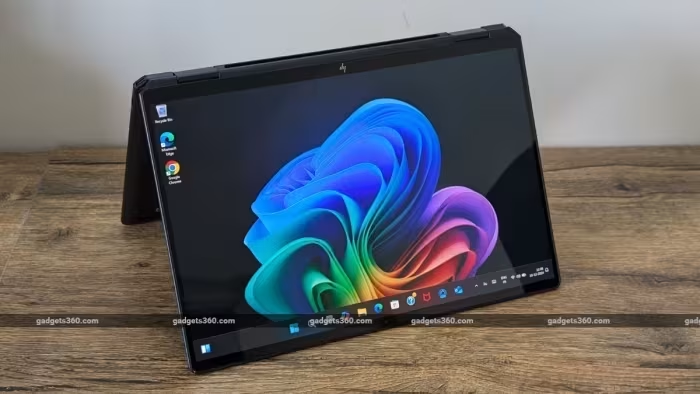
HP OmniBook Ultra 14
A premium subnotebook series from HP offering a blend of high-end performance, OLED visuals, and portable 2-in-1 versatility.
How This Score Is Calculated
- Sources analysed: 25 reviews
- Sentiment-only: 25 sources (weighted 1.0×)
- Split: 18 Positive · 5 Mixed · 2 Negative
- Raw weighted average: 7.8
- Final score: 7.8/10
Algorithmically calculated from source data. No manual adjustments.
- Most reviewed featureOLED Display (21/25)
- Most praisedBuild Quality
- Most criticisedPort Selection
- Reviewer consensus levelHigh
- Value for moneyGood Value (7.2/10)
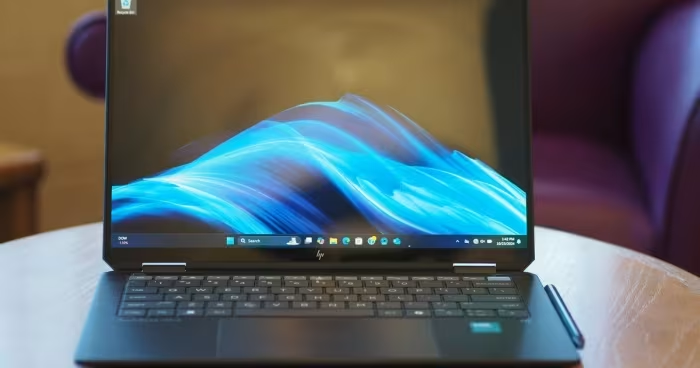
The HP OmniBook Ultra 14 (and its Flip 2-in-1 variant) is widely regarded as a top-tier premium laptop that excels in industrial design and display fidelity. Most reviewers praise the vibrant OLED panels and sturdy metal chassis, making it a stylish companion for professionals and students alike. However, the experience is frequently tempered by a lack of legacy ports, soldered RAM, and a high entry price that sometimes struggles to justify itself against more powerful or feature-rich competitors.
🔧 Key Specifications
Specifications sourced from reviewer mentions. Verify with manufacturer for complete details.
- Processor: AMD Ryzen AI 9 HX 375 / Snapdragon X2 Elite / Intel Core Ultra Series 2
- RAM: 16GB / 32GB (Soldered/Non-upgradeable)
- Storage: 1TB SSD
- Display: 14-inch 2.8K/3K OLED Touchscreen, 120Hz
- Battery: Up to 22 hours (claimed)
- Webcam: 5MP / 9MP IR Camera
- Connectivity: USB4, Wi-Fi 7, Bluetooth
- Build: Anodized Aluminum / Metal
💲 Price Range
₹88,000 to ₹2,97,000
Prices sourced from reviews. Check current retailer pricing.
📊 What Reviewers Say — Feature by Feature
8 features evaluated across 25 sources.
👍 Key Strengths
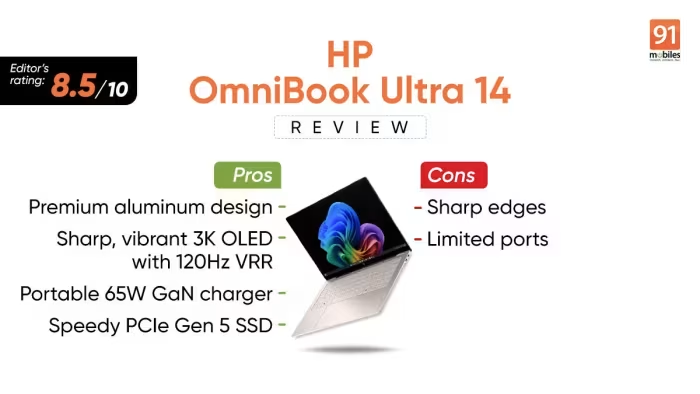
- Stunning 120Hz OLED display
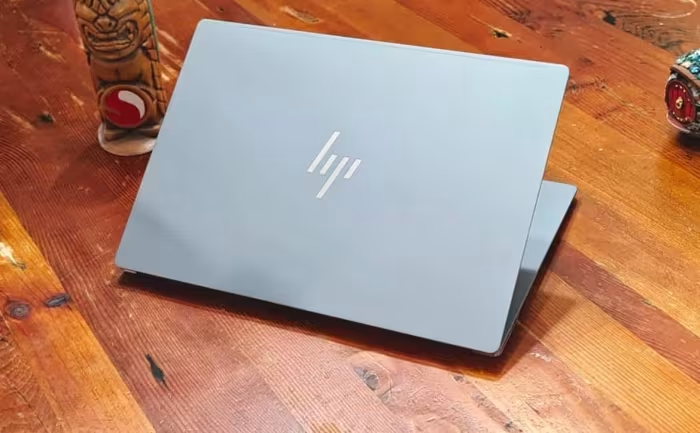
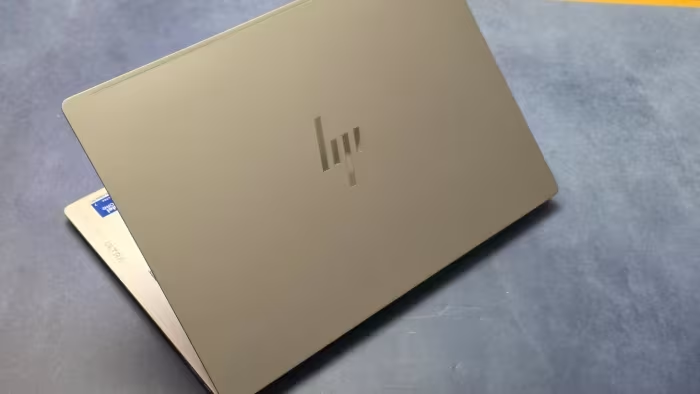
- Exceptional, premium metal build
- High-quality IR webcams
- Strong battery endurance
👎 Key Weaknesses
- Lack of legacy ports (USB-A/HDMI)
- Soldered, non-upgradeable RAM
- High premium price point
- Excessive pre-installed bloatware
💰 Value for Money Analysis
While the starting price is high, reviewers note that frequent sales make the OmniBook Ultra 14 a much more competitive option. It is positioned as a premium product, and while it isn't "cheap," it offers hardware that justifies the cost for professional users.
25 of 25 sources commented on price or value.
⚡ Where Reviewers Disagreed
The following areas saw meaningful disagreement across sources.
- Performance Consistency: 12 sources praised the performance as "top-tier," while 8 sources noted it was "underwhelming" or "struggles with intensive workloads." This disparity likely stems from the variation between the Snapdragon, Intel, and AMD chip configurations.
🎯 Who This Product Is For
Reviewer recommendations for different target audiences.
🛠️ Best Use Cases
- Video ConferencingThe high-resolution 5MP/9MP webcam provides industry-leading clarity for calls.Great
- Office ProductivityExcellent keyboard and battery life make it a powerhouse for document work and multitasking.Great
- Creative WorkWhile the display is color-accurate, the lack of dedicated GPU power limits intensive editing.OK
🔀 Alternatives Mentioned by Reviewers
Reviewers frequently suggest these alternatives based on specific needs.
- Apple MacBook Air (M2/M3) — Frequently cited as the benchmark for battery life and single-core performance. Choose this if you prefer macOS and absolute efficiency over Windows.
- Samsung Galaxy Book4 Pro 360 — A direct competitor in the 2-in-1 space, often praised for its display and build. Choose this if you want a more established convertible ecosystem.
- Dell XPS 14 — Noted for its design and premium construction. Choose this if you prefer a more traditional aesthetic and different port configuration.
- Lenovo Yoga Slim 7i — An alternative focused on value and portability. Choose this if you find the HP OmniBook Ultra too expensive.
- Asus ProArt PX13 — Recommended for users needing more processing power and graphical capability in a similar form factor.
Alternatives sourced exclusively from reviewer mentions.
🛒 Buyer's Guide
✅ Buy This If…
- You prioritize display quality and build aesthetics.
- You conduct frequent video calls and need a high-res webcam.
- You are a mobile professional who needs all-day battery life.
❌ Skip This If…
- You perform intensive 3D rendering or professional gaming.
- You require legacy ports like HDMI or USB-A without dongles.
- You are on a strict budget and don't need a premium 2-in-1.
⚠️ Things to Check Before Buying
- Check which chip configuration (AMD vs Intel vs Snapdragon) best suits your software compatibility needs.
- Be aware that RAM is soldered and cannot be upgraded later.
- Look for sales, as the MSRP is often significantly higher than street prices.
📈 Sentiment Trends Over Time
Reviews span 2024–2026. The following changes were detected:
- Battery Performance — Newer iterations, particularly the Copilot+ versions, show significant gains in endurance compared to earlier models.
The HP OmniBook Ultra 14 is a sophisticated, premium machine that hits the mark for design, display, and webcam quality. While it suffers from some frustrating connectivity limitations and a high price, its performance-to-portability ratio remains excellent for the target professional audience. If you can catch it on sale, it is a fantastic investment, though power users should look toward machines with dedicated graphics.
Top Alternative: Apple MacBook Air — Choose this for superior efficiency and battery life if you are not tied to the Windows ecosystem.