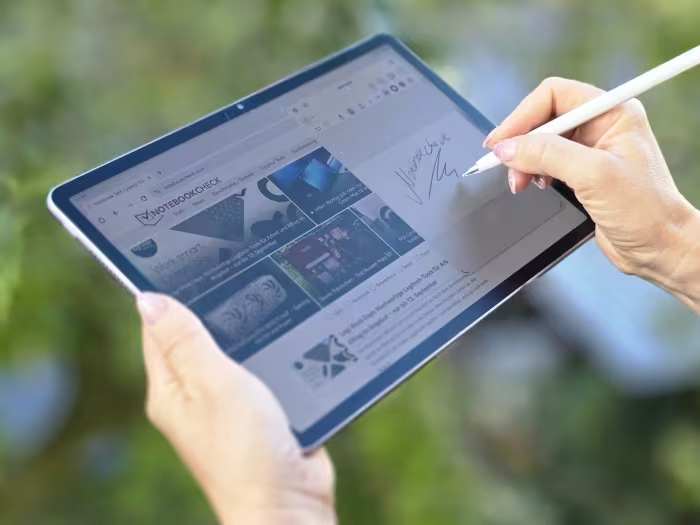
Huawei MatePad 11.5 S Review

Huawei MatePad 11.5 S
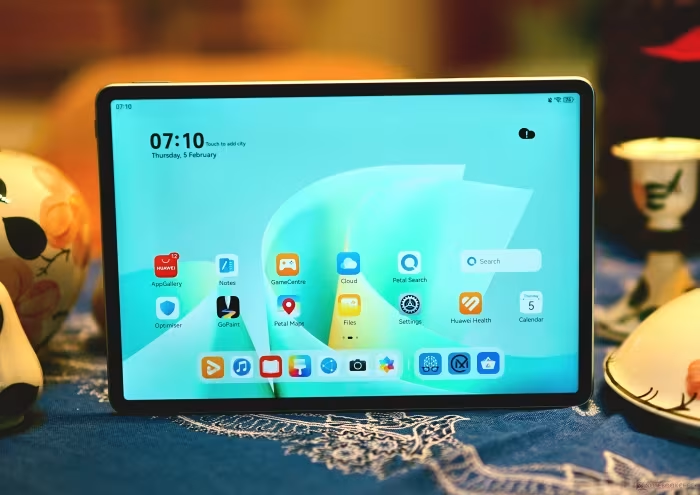
A productivity-focused mid-range tablet featuring a unique anti-glare PaperMatte display, designed for artists, students, and digital creators.
How This Score Is Calculated
- Sources analysed: 19 reviews
- Formula: Weighted average of explicit scores and sentiment analysis.
- Final score: 7.4/10 (clamped, rounded to 1 decimal)
- Most reviewed featurePaperMatte Display (19/19)
- Most praisedDisplay Quality
- Most criticisedNo Google Services
- Reviewer consensus levelHigh
- Value for moneyGood Value (7.2/10)
The Huawei MatePad 11.5 S is a premium-feeling, productivity-oriented tablet that wins over users with its stunning anti-glare PaperMatte display and excellent stylus integration. While it excels for digital art, note-taking, and media consumption, the lack of native Google Mobile Services remains a significant barrier for mainstream users. It is an ideal, budget-friendly alternative to flagship tablets for those who can navigate its software ecosystem.
🔧 Key Specifications
- Display: 11.5-inch PaperMatte, 144Hz, 2.8K resolution
- Battery: 8,800 mAh
- Charging: 40W fast charging
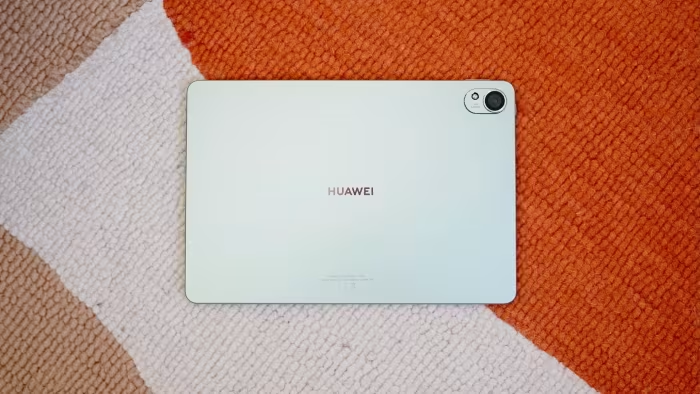
- Build: Aluminum unibody, 6.2mm thin
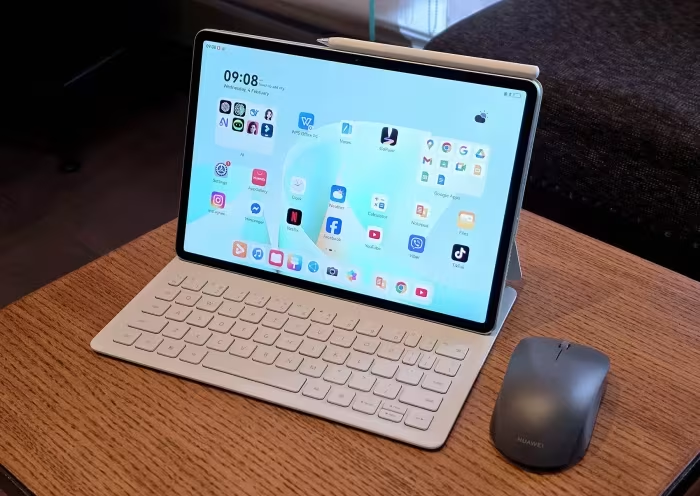
- Stylus: M-Pencil Pro support (NearLink)
- OS: HarmonyOS (No native Google Services)
- Connectivity: Wi-Fi 6 (No cellular/GPS/NFC)
💲 Price Range
₹27,500 – ₹48,500
Prices fluctuate by region and accessory bundles included.
📊 What Reviewers Say — Feature by Feature
👍 Key Strengths
- Superior PaperMatte anti-glare display
- Excellent stylus drawing latency
- Premium slim aluminum build
- Long-lasting 8,800mAh battery
👎 Key Weaknesses
- No native Google Mobile Services
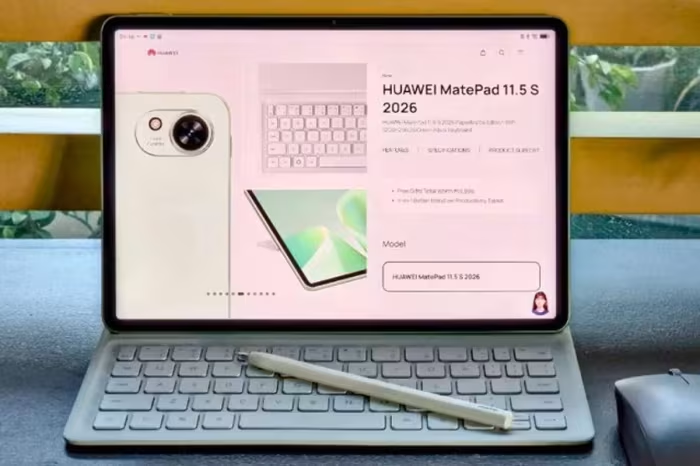
- Mushy keyboard accessory feedback
- No IP rating or GPS
- Mediocre camera performance
💰 Value for Money Analysis
Reviewers generally consider the MatePad 11.5 S a high-value proposition, especially when purchased in bundles that include the M-Pencil and keyboard. It is frequently noted as a more affordable, productivity-focused alternative to flagship tablets.
⚡ Where Reviewers Disagreed
- Accessory Inclusions: Some reviewers praise the "bundled" experience, while others in different regions report that accessories are sold separately, leading to varied perceptions of overall value.
🎯 Who This Product Is For
🛠️ Best Use Cases
- Digital Illustration The paper-like friction of the display is industry-leading for tablets in this price bracket. Great
- Media Consumption Excellent screen and audio, though limited by streaming app compatibility (Widevine L3). Good
🔀 Alternatives Mentioned by Reviewers
- POCO Pad — A budget-friendly rival that offers better raw performance and a microSD slot, though it lacks the premium PaperMatte display and build quality of the Huawei.
- Apple iPad (9th/10th Gen) — The standard for software compatibility and app ecosystem, though it lacks the specific "paper-like" display experience and is often more expensive when accessories are added.
- Xiaomi Pad 7 — A higher-performance multimedia tablet with better Wi-Fi connectivity, recommended for users who prioritize raw speed over the paper-like display.
- Samsung Galaxy Tab S9 FE — A direct competitor with better software support and broader app compatibility, though reviewers note the Huawei has a superior writing feel.
- Lenovo Tab P12 — A larger-screen alternative that competes in the mid-range space but generally offers less storage and a less specialized display than the MatePad.
🛒 Buyer's Guide
✅ Buy This If…
- You are a digital artist wanting a paper-like drawing surface.
- You need a portable, lightweight productivity device for typing and note-taking.
- You prefer an anti-glare display for outdoor reading and working.
❌ Skip This If…
- You rely heavily on Google services (Gmail, Drive, YouTube app optimizations).
- You need a tablet for high-end mobile gaming where performance is critical.
- You require GPS or cellular connectivity for travel.
The Huawei MatePad 11.5 S is a specialized productivity powerhouse that justifies its price through its exceptional PaperMatte display and premium design. It is the best choice for artists and students who value a tactile writing experience over everything else. However, the lack of Google services means it is not a "plug-and-play" device for the average user. If your workflow is independent of the Google ecosystem, this is a top-tier creative tool.