Lenovo ThinkPad P14S Gen 6 Review
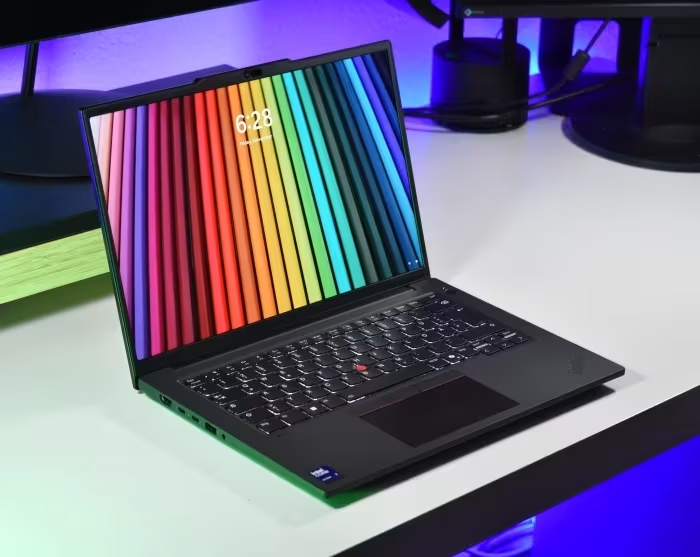
Lenovo ThinkPad P14s Gen 6
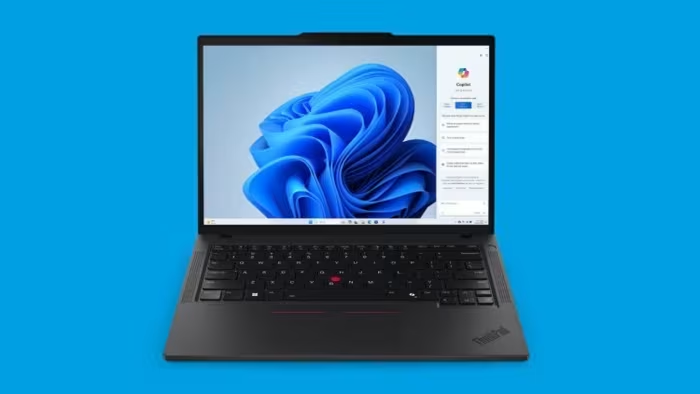
A professional-grade 14-inch mobile workstation by Lenovo, balancing portable design with ISV-certified performance and robust build quality.
How This Score Is Calculated
- Sources analysed: 5 reviews
- Formula: Weighted average of sentiment and explicit scores.
- Review period: Recent launch cycle
- Final score: 7.4/10
- Most reviewed featureBuild Quality (5/5)
- Most praisedKeyboard & Input
- Most criticisedLack of SD/5G
- Reviewer consensus levelModerate
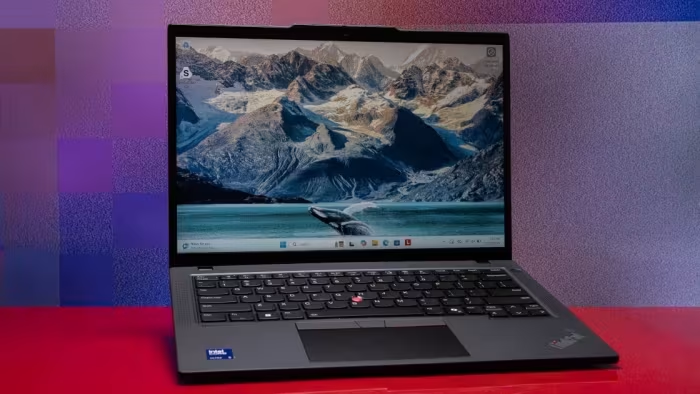
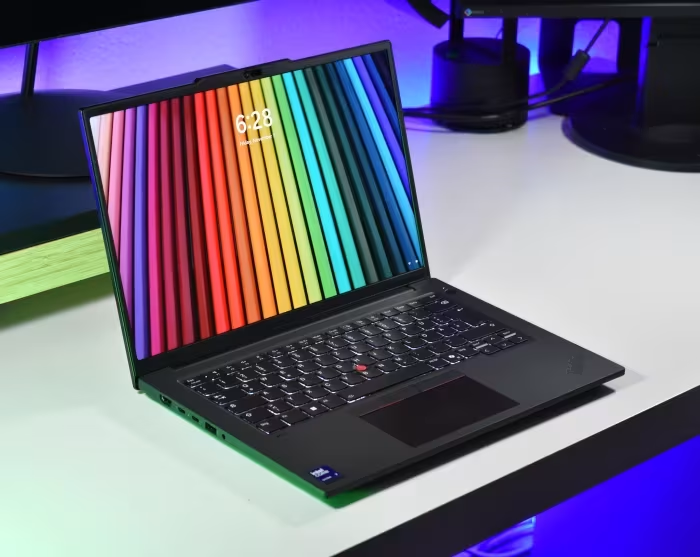
The Lenovo ThinkPad P14s Gen 6 is a highly durable and portable 14-inch workstation that excels in professional environments through its industry-leading keyboard and robust connectivity. While it offers significant performance gains with the latest Intel Arrow Lake hardware, some reviewers argue that specific configurations lacking discrete GPUs fall short of the 'P-series' workstation branding. It is an ideal machine for corporate professionals and mobile engineers who prioritize build quality and I/O versatility over extreme expansion.
🔧 Key Specifications
- Processor: Intel Arrow Lake
- RAM: Up to 96 GB (2x SO-DIMM)
- Display: 14-inch, options up to 3K IPS, 120Hz VRR
- Connectivity: RJ45 Ethernet, optional SmartCard
- Battery: Improved efficiency over previous generation
- Build Materials: All-aluminum construction
- Security: TPM 2.0
💲 Price Range
₹1,16,000 to ₹2,35,000
📊 What Reviewers Say — Feature by Feature
👍 Key Strengths
- Industry-leading keyboard
- Robust aluminum build
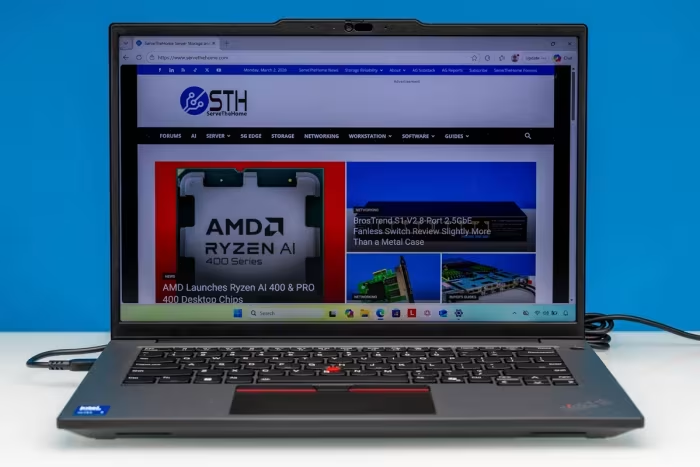
- Physical RJ45 Ethernet
- Up to 96GB RAM
- Improved thermal efficiency
👎 Key Weaknesses
- Lack of 5G/WWAN
- No SD card slot
- Throttling on battery
- Keyboard not user-replaceable
💰 Value for Money Analysis
Priced as a premium professional tool, the value is heavily dependent on whether the user requires ISV certification and workstation-grade I/O. While expensive, the build quality and serviceability (dual SO-DIMM) justify the investment for corporate users.
⚡ Where Reviewers Disagreed
- Workstation Credibility: 3 sources praise the P14s for its workstation capability, while 1 source explicitly calls it a 'workstation in name only' due to GPU limitations in base models.
🎯 Who This Product Is For
🛠️ Best Use Cases
- Productivity Work Exceptional for daily office tasks due to the keyboard and reliable build. Great
- Professional Engineering Strong performance when configured with RTX graphics, though base models may struggle. Good
🔀 Alternatives Mentioned by Reviewers
- HP ZBook Ultra G1a 14 — Cited as a 'true' 14-inch workstation that offers more power than the P14s for professional tasks. Choose this if your primary need is sustained graphics performance.
- Lenovo ThinkPad X9 14 Aura Edition — Recommended by PCMag as a superior choice for users seeking an ultraportable laptop without the specific workstation branding baggage.
- HP ZBook 8 G1i 14 — A direct competitor that matches the P14s in weight and size; recommended as a comparable alternative for those deciding between Lenovo and HP ecosystems.
- Lenovo ThinkPad P16 Series — The larger alternative for users who need more expansion and sustained performance at the cost of portability. Choose these if the P14s footprint feels too restrictive.
🛒 Buyer's Guide
✅ Buy This If…
- You require ISV certification and professional-grade build quality.
- You prioritize keyboard comfort and physical RJ45 connectivity.
❌ Skip This If…
- You need high-end graphics performance and are considering the base-tier model.
- You require 5G/WWAN or an integrated SD card slot.
📈 Sentiment Trends Over Time
- Efficiency & Performance — The transition to Intel Arrow Lake has resulted in cooler, quieter operation and better battery life compared to previous generations.
The Lenovo ThinkPad P14s Gen 6 is a robust, well-refined professional workstation that excels in build quality and input comfort. While it faces some criticism for missing features like SD card support and potential performance limitations in base configurations, its improvements in efficiency make it a reliable choice for corporate and engineering workflows. For those needing maximum graphics power, consider the HP ZBook Ultra G1a 14 instead.