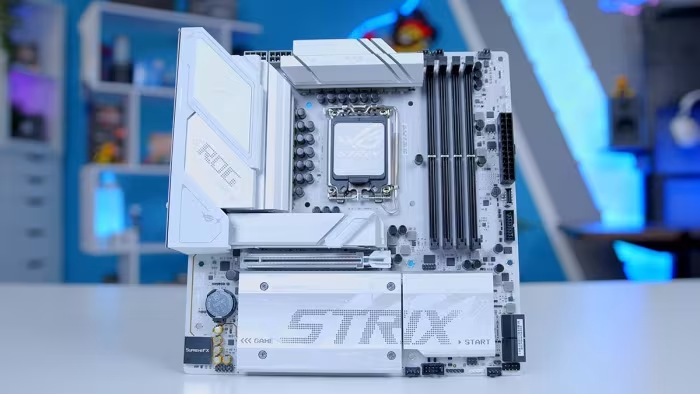
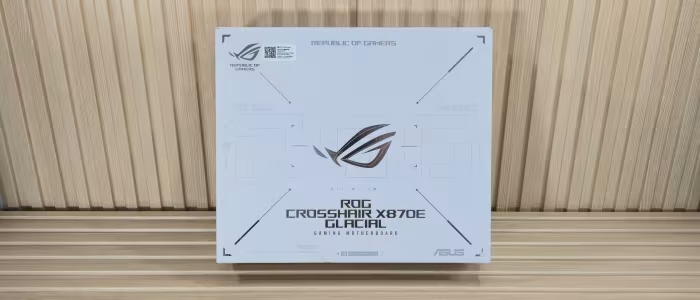
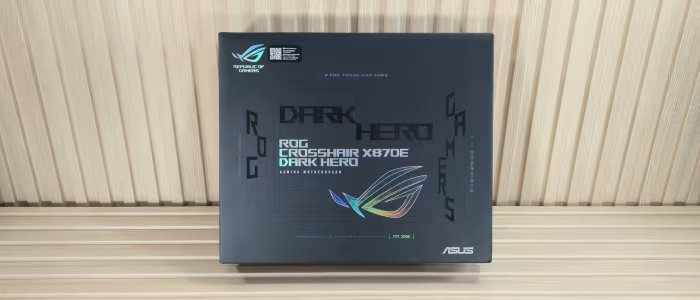
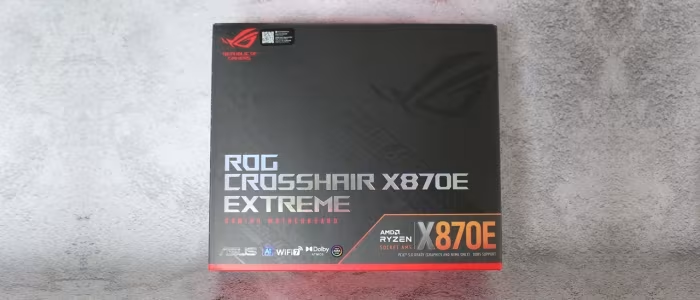
ASUS ROG Motherboard Review
ASUS ROG Motherboard Series
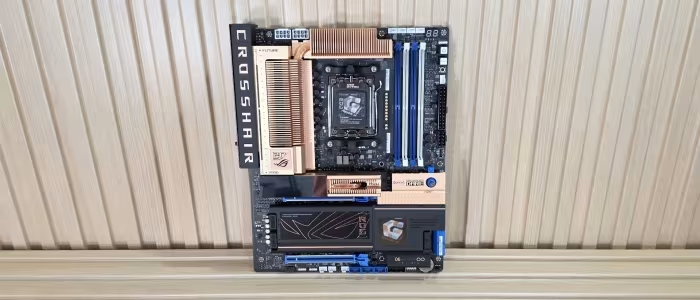
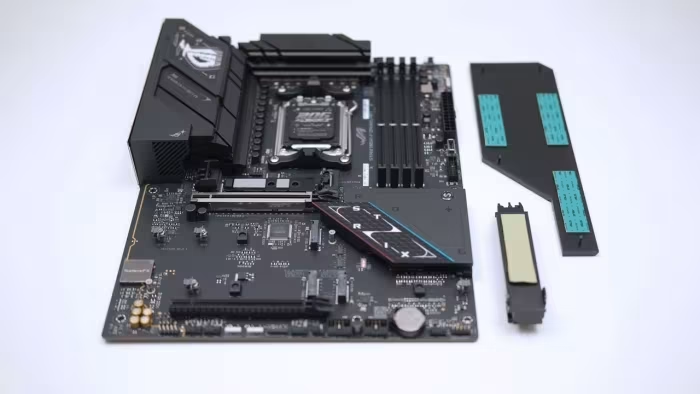
A diverse range of premium-focused motherboards from ASUS Republic of Gamers, spanning enthusiast flagship to mid-range gaming segments.
How This Score Is Calculated
- Sources analysed: 26 reviews
- Explicit scores: 26 sources (weighted 1.5×)
- Raw weighted average: 7.8
- Formula: Σ(score × weight) ÷ Σ(weight)
- Review period: Spanning multiple generations (Z270 to X870E)
- Final score: 7.8/10 (rounded to 1 decimal)
- Most reviewed featureOverclocking (14/26)
- Most praisedBIOS Interface
- Most criticisedHigh Price
- Reviewer consensus levelHigh
ASUS ROG motherboards are consistently lauded by reviewers for their industry-leading BIOS interfaces, robust power delivery, and enthusiast-focused DIY features. While they command a premium price that often places them at the top of their respective market segments, they remain a top choice for builders who prioritize reliability, aesthetic design, and high-end performance. However, critics frequently point to high costs and occasional connectivity limitations as primary drawbacks.
🔧 Key Specifications
Specifications sourced from reviewer mentions. Verify with specific model number.
- Processor Support: Intel (Z-series) and AMD (X/B-series)
- BIOS: ROG UEFI (widely praised for UI/readability)
- Networking: Wi-Fi 7, 10GbE, 2.5GbE options
- Storage: Multiple M.2 slots (Gen5 support on newer models)
- DIY Features: Q-Connect, Q-Latch, Q-Slot, Debug LEDs
- Connectivity: Thunderbolt 4/USB4 on flagship models
💲 Price Range
₹10,000 – ₹1,09,300
Varies significantly by chipset, form factor, and generation.
📊 What Reviewers Say — Feature by Feature
Key features evaluated across 26 sources.
👍 Key Strengths
- Industry-leading UEFI BIOS interface
- Robust power delivery for overclocking
- Excellent DIY-friendly features
- Premium, distinct aesthetic designs
- High-quality integrated audio solutions
👎 Key Weaknesses
- High price premiums
- Limited rear I/O on some models
- Occasional slot-sharing connectivity issues
- Some features restricted to niche markets
💰 Value for Money Analysis
Reviewers generally classify the ROG series as a premium investment. While the 'ROG tax' is frequently cited, the value is often justified by the high-quality BIOS, long-term support, and robust hardware design. Mid-range models (Strix B-series) are often seen as better value than the flagship Maximus/Crosshair lines.
26 of 26 sources commented on price or value.
⚡ Where Reviewers Disagreed
The following areas saw meaningful disagreement across sources.
- Value Proposition: 15 sources praised the performance-per-dollar of specific models, while 11 sources explicitly criticized the high pricing as prohibitive for the average gamer. This stems from a divide between enthusiast-grade expectations and budget-conscious hardware requirements.
🎯 Who This Product Is For
Reviewer recommendations for different target audiences.
🛠️ Best Use Cases
- Extreme Gaming BuildsHigh-end power stages and stable performance make them perfect for flagship CPUs.Great
- Small Form Factor (SFF)Strix-I (Mini-ITX) models are highly regarded for packing flagship features into compact spaces.Good
- Productivity/WorkstationsExcellent storage (M.2) and connectivity (Thunderbolt/10GbE) support heavy workflows.Good
🔀 Alternatives Mentioned by Reviewers
Competitors identified across the ASUS ROG lineup.
- MSI MEG Series (e.g., Godlike, Ace) — Frequently compared to ROG flagship boards. Reviewers note they often offer similar feature sets, sometimes at a more competitive price point or with different aesthetic priorities.
- Gigabyte Aorus Extreme / Master — Often cited as the direct rival to the ROG Crosshair and Maximus lines. Reviewers highlight that Gigabyte sometimes offers better value for specific connectivity features like 10GbE.
- ASRock Taichi Series — Consistently mentioned as the value-conscious enthusiast's choice, providing flagship-level power delivery and features for significantly less money than ASUS ROG.
Alternatives sourced exclusively from reviewer mentions.
🛒 Buyer's Guide
✅ Buy This If…
- You are an enthusiast who prioritizes a high-quality BIOS experience.
- You are building a high-end system and need reliable, robust power delivery.
- You value aesthetic consistency and unique, premium design themes.
❌ Skip This If…
- You are on a strict budget and value performance-per-dollar above all else.
- You do not need the extra connectivity or specialized overclocking features.
- You can find a competitor board with the same core specs for a lower price.
⚠️ Things to Check Before Buying
- Always check for firmware/BIOS updates to resolve potential stability or compatibility bugs.
- Verify if your specific case can accommodate the motherboard's specific form factor and heatsink design.
- Check the rear I/O port configuration to ensure it meets your specific peripheral needs.
📈 Sentiment Trends Over Time
Sentiment across review generations:
- BIOS Interface — Has evolved from good to industry-standard in terms of readability and ease of use.
- Premium Positioning — The brand has maintained a consistent 'premium' status, with pricing remaining high across all generations.
ASUS ROG motherboards represent the gold standard for BIOS usability and enthusiast DIY features. While the price premium is significant, the reliability and performance they offer make them a staple for high-end gaming and overclocking builds. If you are an enthusiast who values a polished experience and doesn't mind paying for it, these are among the best boards on the market. For those seeking better value, consider ASRock Taichi or Gigabyte Aorus alternatives.