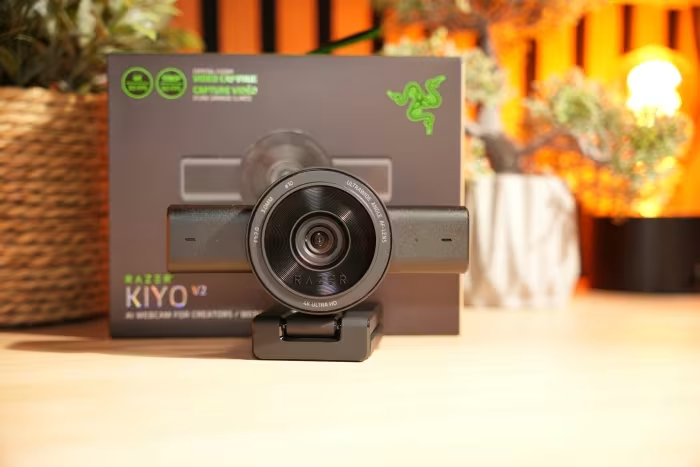
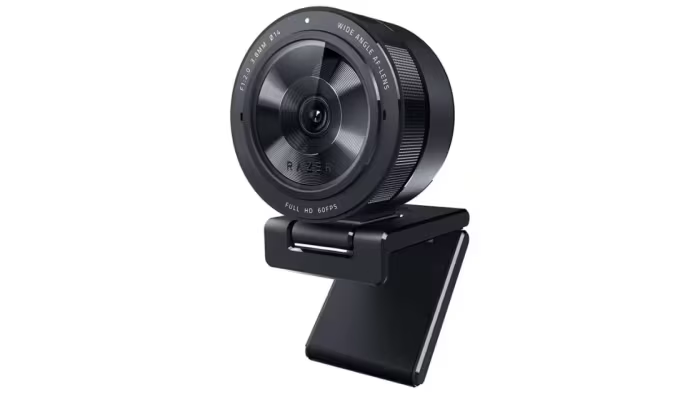
Razer Kiyo Pro Review
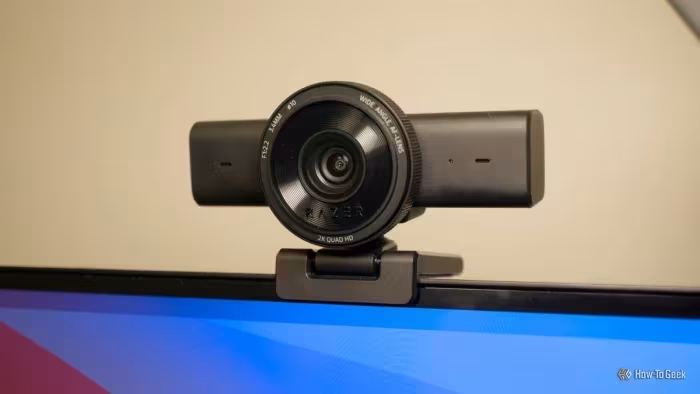
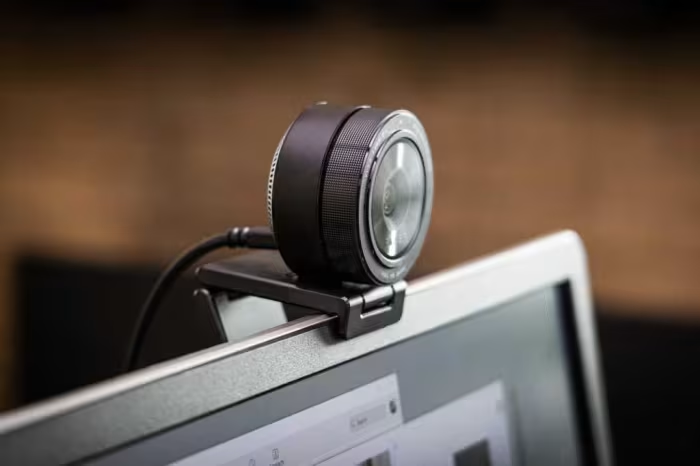
Razer Kiyo Pro
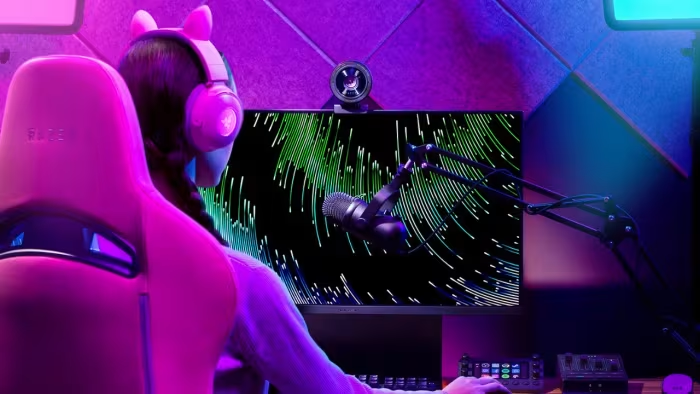
A premium high-performance webcam series by Razer designed for professional streamers, content creators, and remote workers.
How This Score Is Calculated
- Sources analysed: 29 reviews
- Raw weighted average: 7.8
- Formula: Σ(score × weight) ÷ Σ(weight)
- Review period: 2021–2026
- Value sources: 22 of 29 mentioned price or value
- Final score: 7.8/10
- Most reviewed featureImage Quality (29/29)
- Most praisedLow-light Performance
- Most criticisedSoftware (Razer Synapse)
- Reviewer consensus levelModerate
- Value for moneyFair Value (6.2/10)
The Razer Kiyo Pro series is widely regarded as a top-tier visual performer, prized for its industry-leading low-light capabilities and high-fidelity sensor. While it consistently beats standard webcams in image clarity and dynamic range, reviewers frequently point to the buggy, resource-heavy Razer Synapse software and inconsistent autofocus as major pain points. It is a premium, purpose-built tool best suited for streamers and professionals who value image quality over plug-and-play simplicity.
🔧 Key Specifications
- Resolution: 1080p (Kiyo Pro) / 4K (Kiyo Pro Ultra)
- Frame Rate: 60fps (at 1080p)
- HDR: Supported (limited to 30fps)
- Sensor: Large format STARVIS sensor
- Software: Razer Synapse 3
- Connectivity: USB 3.0
- Build: Gorilla Glass, Aluminum/Premium Plastic
💲 Price Range
₹14,800 – ₹61,214
Prices fluctuate significantly based on model (Pro vs. Ultra) and regional availability.
📊 What Reviewers Say — Feature by Feature
👍 Key Strengths
- Best-in-class low-light performance
- Exceptional 1080p/4K image clarity
- Premium, durable build quality
- Powerful, granular software customization
👎 Key Weaknesses
- Glitchy, resource-heavy Synapse software
- Inconsistent, slow autofocus performance
- Expensive price point
- Limited or no macOS software support
💰 Value for Money Analysis
Reviewers generally view the Kiyo Pro as an investment-grade product. While the hardware quality is high, the high price tag makes it difficult to justify for casual users, especially compared to more budget-friendly alternatives.
⚡ Where Reviewers Disagreed
- Autofocus Reliability: 8 sources praised the autofocus as 'snappy,' while 18 sources criticized it as 'slow' or 'problematic.' Disagreements likely stem from differing lighting environments and firmware versions tested over the 5-year period.
🎯 Who This Product Is For
🛠️ Best Use Cases
- Live Streaming Excellent for streamers needing professional-grade lighting and detail without the hassle of a mirrorless camera setup. Great
- Professional Video Conferencing Provides a significant visual upgrade over integrated laptop cameras for high-stakes business meetings. Good
🔀 Alternatives Mentioned by Reviewers
- Logitech C920 — The classic budget-friendly benchmark. Reviewers note it lacks the image fidelity and low-light capabilities of the Kiyo Pro but is significantly cheaper and more reliable for general use.
- Logitech Brio Ultra HD Pro — A major competitor offering 4K resolution and Windows Hello support at a similar price point. Many reviewers suggest this as a better value proposition for those prioritizing features over raw low-light sensor performance.
- Insta360 Link — A premium alternative featuring AI-driven gimbal tracking. Reviewers prefer this over the Kiyo Pro for users who need active subject tracking, though the Kiyo Pro generally retains a lead in static image sharpness.
- Elgato Facecam Pro — A high-end 4K/60fps competitor. Often compared for its superior frame rates and professional streaming focus, though some find the Kiyo Pro's sensor performance more natural in low light.
- Dell UltraSharp Webcam — A more professional, office-oriented alternative. Reviewers often recommend this for business users due to its cleaner design and better integration with professional conferencing software.
🛒 Buyer's Guide
✅ Buy This If…
- You are a streamer who requires high-end low-light performance.
- You want a webcam that rivals the visual quality of a dedicated DSLR.
- You primarily use a Windows PC and can handle software configuration.
❌ Skip This If…
- You are a casual user looking for a simple 'plug-and-play' experience.
- You use a Mac and need full software compatibility.
- You are on a strict budget and don't need pro-level visuals.
⚠️ Things to Check Before Buying
- Check if your streaming setup requires 4K/60fps, which some models may not support.
- Ensure your PC has USB 3.0 ports for optimal data bandwidth.
- Verify your OS software support if you are a macOS user.
📈 Sentiment Trends Over Time
Reviews span 2021–2026. The following changes were detected:
- Software Frustration — The criticism regarding Razer Synapse remains consistent across both launch and long-term reviews.
The Razer Kiyo Pro is a powerhouse of visual fidelity that remains a top choice for those who prioritize image quality above all else. While its software is often a hurdle, the sheer performance of its sensor in challenging lighting makes it a formidable tool for content creators. If you are a streamer looking for an upgrade that bridges the gap between webcams and DSLRs, this is a strong buy. For casual users, however, the price and software complexity make it hard to justify over cheaper, more reliable options.
Top Alternative: Logitech Brio Ultra HD Pro — A more feature-complete, versatile choice for those who value 4K and Windows Hello over raw sensor performance.