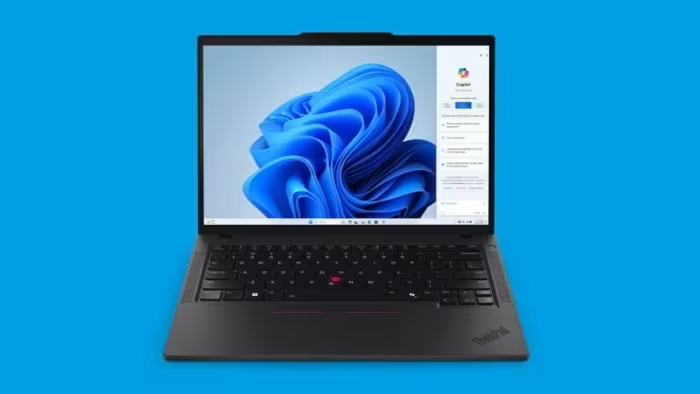
Lenovo ThinkPad P14s Review
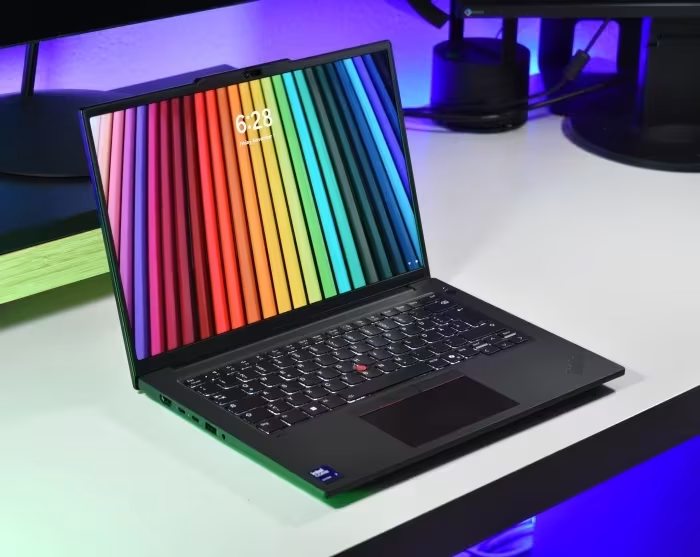
Lenovo ThinkPad P14s
A professional-grade 14-inch mobile workstation series by Lenovo, balancing portable business laptop convenience with ISV-certified hardware.
How This Score Is Calculated
- Sources analysed: 14 reviews
- Explicit scores: 9 sources (weighted 1.5×)
- Sentiment-only: 5 sources (weighted 1.0×)
- Split: 9 Positive · 4 Mixed · 1 Negative
- Raw weighted average: 7.2
- Formula: Σ(score × weight) ÷ Σ(weight)
- Review period: Gen 1 through Gen 6
- Final score: 7.2/10 (clamped, rounded to 1 decimal)
Algorithmically calculated from source data. No manual adjustments.
- Most reviewed featureBuild Quality (11/14)
- Most praisedKeyboard
- Most criticisedBattery Life
- Reviewer consensus levelModerate
- Value for moneyGood Value (7.1/10)
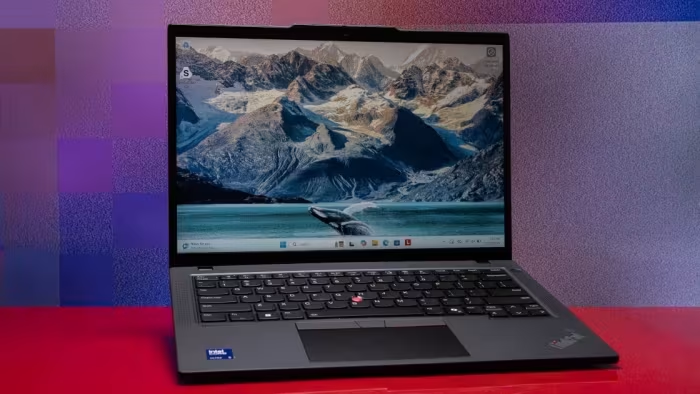
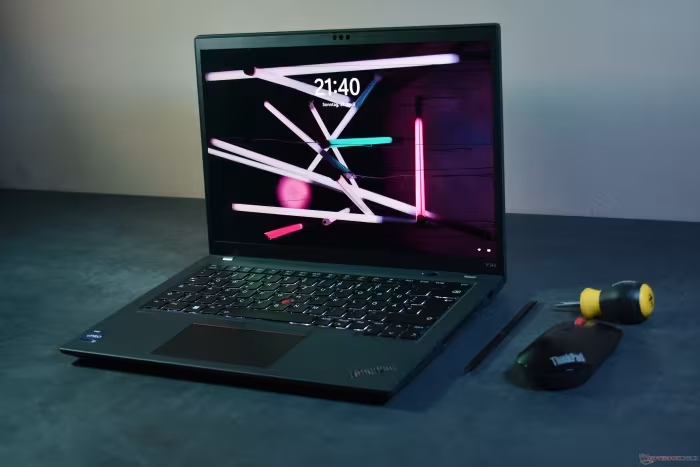
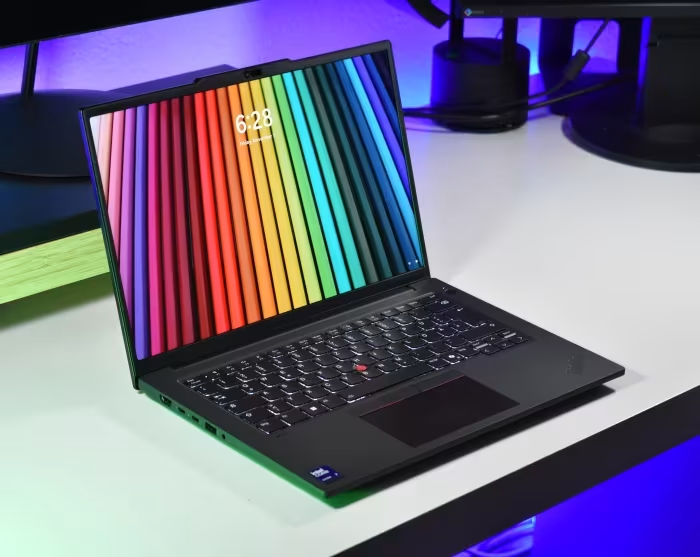
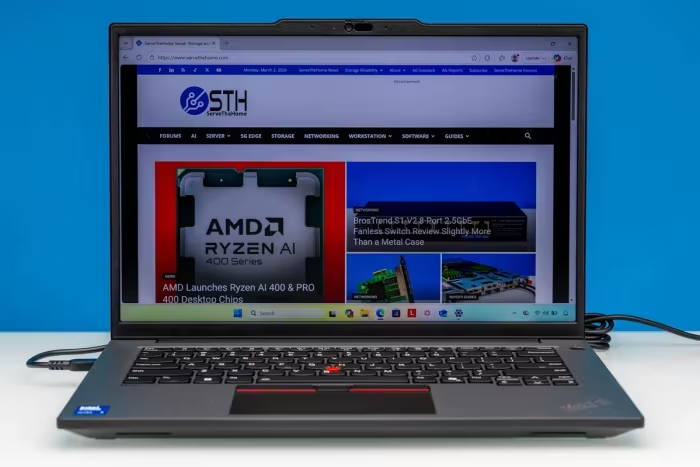
The Lenovo ThinkPad P14s is a versatile, professional-grade mobile workstation that bridges the gap between standard business ultrabooks and heavy-duty desktop replacements. While praised for its industry-leading keyboard, robust build quality, and essential connectivity—including physical RJ45 ports—it often struggles with thermal management and inconsistent battery life depending on the display panel chosen. It serves best as a highly portable ISV-certified machine for CAD and BIM professionals, though some generations struggle to justify their premium over standard ThinkPad T-series models.
🔧 Key Specifications
Specifications sourced from reviewer mentions. Verify with manufacturer for complete details.
- Processor: Intel Core Ultra / AMD Ryzen PRO / Intel Tiger Lake (varies by Gen)
- RAM: Up to 96GB (Dual SO-DIMM in later Gens)
- Display: 14-inch to 14.5-inch (IPS/OLED options, up to 3K 120Hz)
- Battery: Varies; often criticized for OLED power drain
- Charging: USB-C PD
- Main Camera: Average quality across generations
- OS: Windows 10/11 Pro
- 5G: Optional (varies by generation)
- Wi-Fi: Wi-Fi 6E/6
- NFC: Included on many models
- USB: Thunderbolt 4 / USB4 / USB-A
- IP Rating: Military-grade durability/spill-resistant
- Build Materials: Aluminum/Plastic composite
💲 Price Range
₹1,03,600 to ₹2,40,000
Prices sourced from reviews. Check current retailer pricing.
📊 What Reviewers Say — Feature by Feature
14 features evaluated across 14 sources.
👍 Key Strengths
- Industry-leading keyboard and input devices
- Robust, professional-grade build quality
- Excellent port selection including RJ45
- ISV-certified performance for CAD/BIM
- Highly portable 14-inch form factor
👎 Key Weaknesses
- Battery life varies significantly (OLED drain)
- Occasional thermal throttling under load
- Entry-level displays lack color accuracy
- No SD card slot on many models
- Heavier than competing ultrabooks
💰 Value for Money Analysis
Reviewers generally view the P14s as a solid investment for professional use, though they note it often competes with the standard T14 series, which can offer similar performance for a lower price. Prices span a wide bracket, with newer 'Gen' models commanding a significant premium over older or base-spec variants.
11 of 14 sources commented on price or value.
⚡ Where Reviewers Disagreed
The following areas saw meaningful disagreement across sources.
- Workstation Credibility: 5 sources praise the ISV-certified performance, while 2 sources argue it is a 'workstation in name only' due to integrated GPU limitations. Disagreement stems from whether the user requires heavy rendering power or just ISV certification for CAD stability.
🎯 Who This Product Is For
Reviewer recommendations for different target audiences and use cases.
🛠️ Best Use Cases
- Mobile EngineeringGreat for field work due to portability and ISV certifications.Great
- Office ProductivityKeyboard and port selection excel for daily document and spreadsheet tasks.Great
- 3D RenderingPerformance is often too limited by integrated graphics or thermal throttling.Poor
🔀 Alternatives Mentioned by Reviewers
- Lenovo ThinkPad T14 / T14s — Often cited as the cheaper, standard-issue alternative that offers similar performance without the 'workstation' premium. Choose this if you don't need ISV certification.
- HP ZBook Firefly 14 (G7-G11) — The most direct competitor in the portable workstation space. Reviewers often compare build quality and thermal management directly between these two.
- Dell Precision 5490 — A premium alternative often cited for its high-end build and performance, though it typically carries a higher price tag.
- HP ZBook Ultra G1a 14 — Mentioned as a 'true' 14-inch workstation that provides more power than the P14s for users requiring heavy compute.
- Lenovo ThinkPad X9 14 Aura Edition — Recommended as a better choice if you want a premium, modern ultraportable experience over a workstation chassis.
Alternatives sourced exclusively from reviewer mentions.
🛒 Buyer's Guide
✅ Buy This If…
- You need an ISV-certified machine for professional engineering software.
- You value physical connectivity like RJ45 Ethernet in a portable chassis.
- You want the legendary ThinkPad typing experience for heavy document work.
❌ Skip This If…
- You do heavy GPU rendering (look for P16 models instead).
- You are a general user who can save money with the standard T14 model.
- You need long battery life with a high-resolution OLED screen.
⚠️ Things to Check Before Buying
- Check the display panel specs; base panels are often average, while OLEDs drain battery.
- Verify if the specific generation supports user-replaceable RAM, as some models have soldered memory.
- Confirm if your specific CAD application requires the ISV certification provided by the Quadro/RTX GPU.
📈 Sentiment Trends Over Time
Reviews span Gen 1 through Gen 6. The following changes were detected:
- Performance — Newer generations (Gen 6 with Arrow Lake) have shown significant improvements in thermal efficiency and compute power.
- Portability — Newer chassis designs have become slightly heavier and thicker than initial marketing specs suggested.
The Lenovo ThinkPad P14s remains a reliable, if occasionally unexciting, workhorse that succeeds in providing a portable, ISV-certified environment for professionals. Its strength lies in its keyboard, build, and port variety, making it a safe choice for corporate and engineering environments. However, buyers should be wary of the diminishing returns compared to the cheaper T14 series and the battery impact of high-end display options. For most, it is a solid 7/10 performer that does exactly what it promises.
Top Alternative: Lenovo ThinkPad T14 — Choose this for a better value proposition if you don't strictly require ISV-certified GPU drivers.