ZimaBoard 2 Review
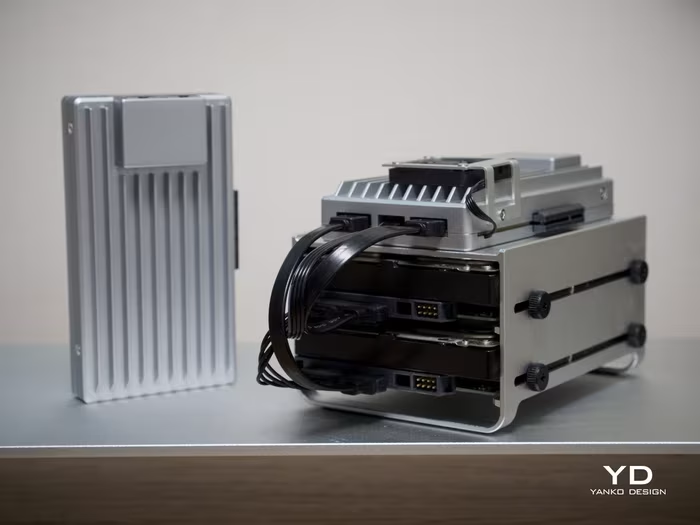
ZimaBoard 2
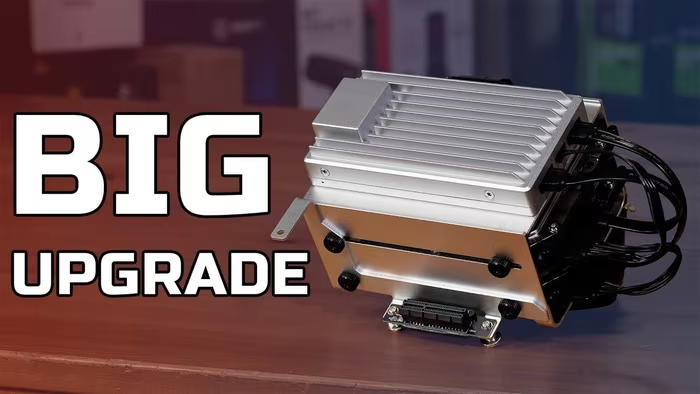
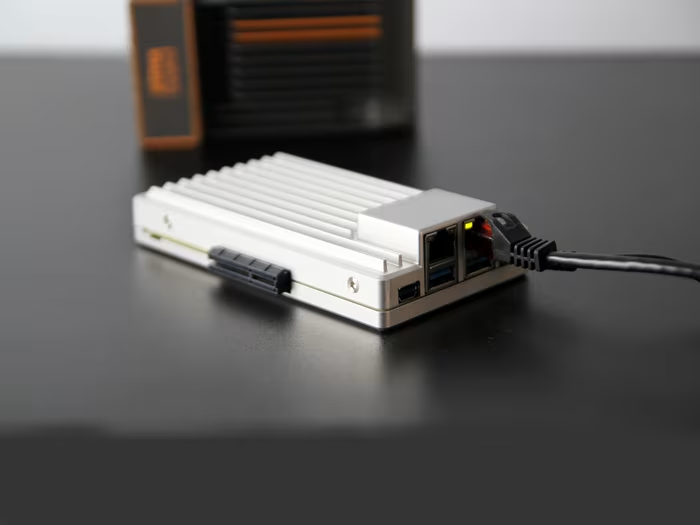
A compact, x86-based micro-server featuring the Intel N150 processor, designed for home lab enthusiasts and custom server projects.
How This Score Is Calculated
- Sources analysed: 13 reviews
- Raw weighted average: 7.8/10
- Value sources: 8 of 13 mentioned price or value
- Final score: 7.8/10 (rounded to 1 decimal)
Algorithmically calculated from source data. No manual adjustments.
- Most reviewed featurePerformance (10/13)
- Most praisedPassive Cooling
- Most criticisedLimited Documentation
- Reviewer consensus levelHigh
- Value for moneyGood Value (7.2/10)
The ZimaBoard 2 is a highly regarded evolution in the home server space, praised for its silent passive cooling and impressive x86 performance in a tiny footprint. While it excels as a versatile foundation for self-hosting and custom NAS builds, users should be prepared for a steeper learning curve due to sparse official documentation. It is the ideal choice for tinkerers who find ARM-based boards like the Raspberry Pi too restrictive for their specific server needs.
🔧 Key Specifications
- Processor: Intel N150 Quad-Core
- RAM: Up to 16 GB LPDDR5x
- Storage: Onboard eMMC + 2x SATA III
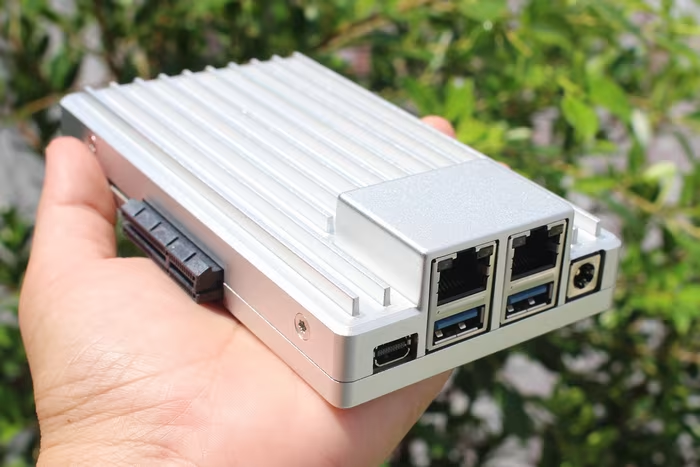
- Display: Mini-DisplayPort
- Battery: N/A
- Charging: 60W power adapter
- Connectivity: Dual 2.5Gb Ethernet
- Expansion: PCIe 3.0 x4 slot
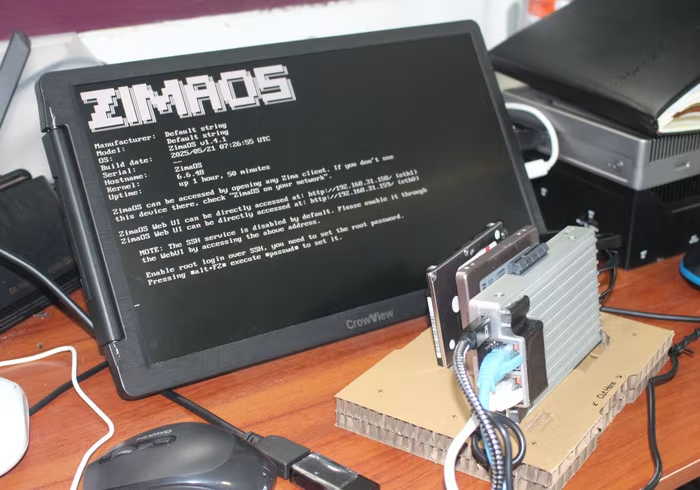
- OS: ZimaOS (Linux-based)
- Cooling: Passive (Fanless)
- Build Materials: Aluminum chassis
💲 Price Range
Approx. ₹14,200 – ₹25,300
Prices sourced from reviews. Check current retailer pricing.
📊 What Reviewers Say — Feature by Feature
11 features evaluated across 13 sources.
👍 Key Strengths
- Silent passive cooling
- Dual 2.5Gb Ethernet
- PCIe 3.0 x4 expansion
- Sleek aluminum chassis
- Energy efficient operation
👎 Key Weaknesses
- Sparse onboarding documentation
- Slow onboard eMMC storage
- Passive cooling can run hot
- Proprietary power connectors
💰 Value for Money Analysis
Reviewers generally view the ZimaBoard 2 as a solid investment for those needing x86 compatibility. While pricier than basic Raspberry Pi boards, its performance and port selection justify the cost for dedicated server tasks.
8 of 13 sources commented on price or value.
⚡ Where Reviewers Disagreed
The following areas saw meaningful disagreement across sources.
- Software Stability: 4 sources praised the ZimaOS interface for its intuitiveness, while 2 sources specifically reported bugs with media playback and web-based dashboard performance.
🎯 Who This Product Is For
Reviewer recommendations for different target audiences and use cases.
🛠️ Best Use Cases
- Home NAS/File ServerThe dual SATA ports and PCIe expansion make it a natural fit for custom-built, compact network-attached storage.Great
- Media StreamingGenerally capable, though reviewers noted occasional performance issues with specific high-bitrate MKV files in the web interface.OK
🔀 Alternatives Mentioned by Reviewers
The ZimaBoard 2 is frequently compared to low-power single-board computers and traditional mini-PCs.
- Raspberry Pi 5 — Often cited as the primary comparison. While the Pi is cheaper and has a massive community, the ZimaBoard 2 is preferred by reviewers for its x86 architecture and superior connectivity options like dual 2.5GbE.
- Standard Intel Mini PCs — Reviewers note that while generic mini-PCs might offer more raw CPU power for the price, the ZimaBoard 2 distinguishes itself with its specific server-oriented I/O, such as integrated SATA ports and an accessible PCIe slot.
Alternatives sourced exclusively from reviewer mentions.
🛒 Buyer's Guide
✅ Buy This If…
- You need a silent, low-power x86 server.
- You require specific I/O like dual 2.5GbE or PCIe expansion.
- You are comfortable with Linux and self-hosting troubleshooting.
❌ Skip This If…
- You are a complete beginner looking for "plug-and-play" server software.
- You need a device for heavy multi-VM or AI-heavy workloads.
- You require HDMI output without using adapters.
⚠️ Things to Check Before Buying
- Verify your storage expansion needs, as the device requires additional accessories for full SATA drive mounting.
- Ensure you have a Mini-DisplayPort adapter if connecting to a standard HDMI monitor.
📈 Sentiment Trends Over Time
Reviews span the launch period and early post-launch updates. The following changes were detected:
- Software Stability — Early reviews noted software bugs, but subsequent updates (ZimaOS v1.4.4) have introduced improved stability and backup features.
The ZimaBoard 2 is a standout choice for home lab enthusiasts who need the flexibility of an x86 server without the noise or power draw of a full-sized PC. While it is not perfectly suited for beginners due to thin documentation, its hardware expandability makes it a long-term winner for custom projects. If you find ARM-based boards too limiting, this is a premium, purpose-built upgrade.
Top Alternative: Raspberry Pi 5 — Choose the Pi if you prioritize community support and a lower entry price, or the ZimaBoard 2 if you require x86 compatibility and robust wired networking.